Chapter Analytics snapshot (for members)
Analytics is a core, always-on reporting surface — it isn't a licensable module and there's no on/off toggle for it. Every chapter member can open Analytics from the sidebar. What you see there just isn't the same as what an officer sees: instead of charts and tabs, you get a single, read-only Chapter Snapshot card summarizing your chapter's health.
What you see
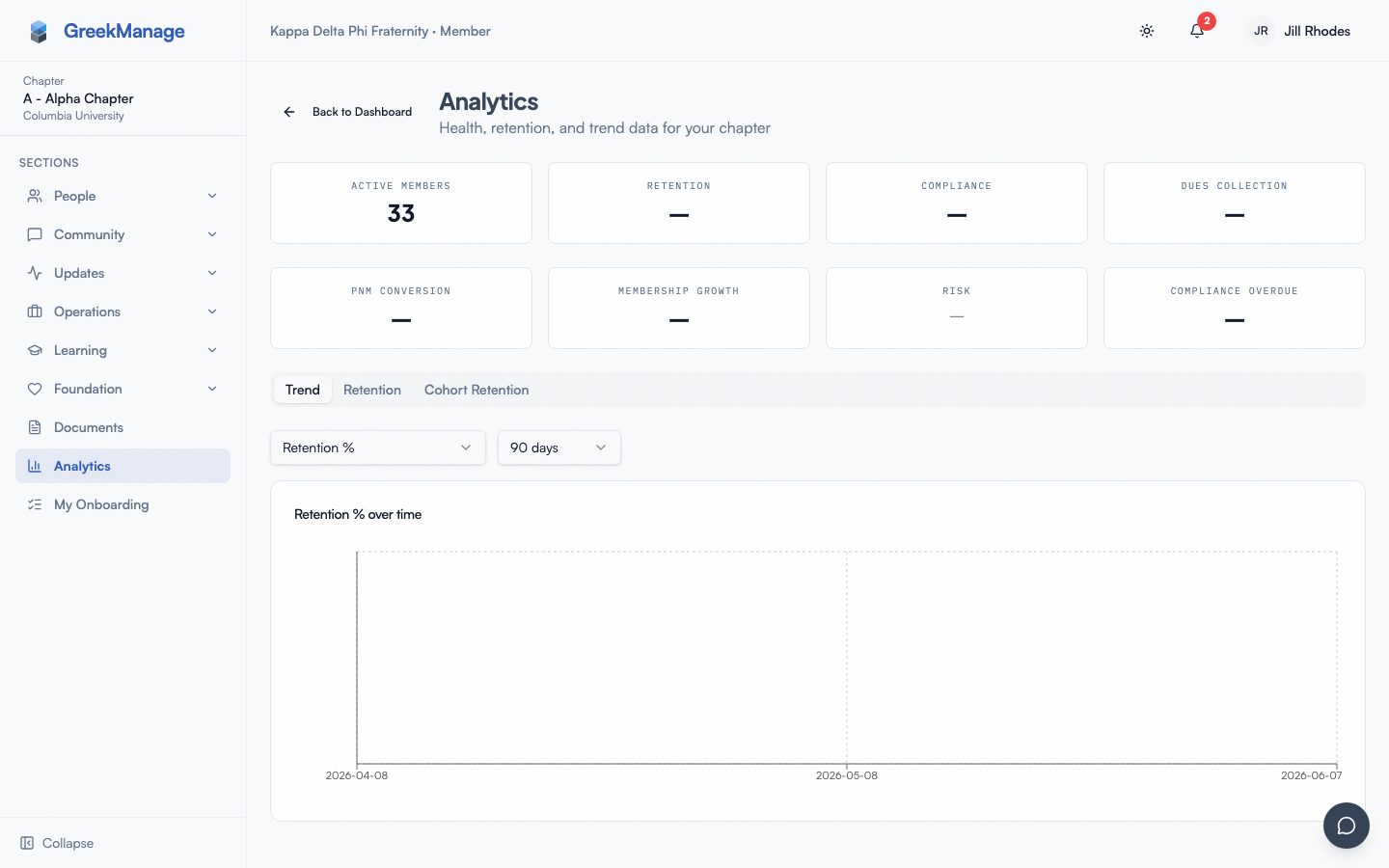 The member-facing Chapter Snapshot card.
Click Analytics in your sidebar. You land on the same Analytics page officers use (there's a "Back to Dashboard" link back to your chapter dashboard), titled "Analytics" with the subtitle "Health, retention, and trend data for your chapter." Because you're a regular member rather than an officer, president, or admin, the page shows a single card instead of the full dashboard: "Chapter Snapshot", with a subtitle "As of {date}" once a snapshot exists.
Inside the card, up to eleven metrics can appear:
- Total Members — the whole roster except PNMs and disaffiliated members
- Active Members
- Alumni
- Retention
- Compliance
- Dues Paid
- PNM Conversion
- Membership Growth
- Risk (a badge — see The Risk badge below)
- Compliance Overdue
- Critical Compliance
Why you might not see everything
You may not see all eleven metrics — and that's expected. Total Members and Alumni in particular start out officers-only, so most members will not see them unless their admin opts in. Your org's national admin controls, metric by metric, which of these are visible to regular members versus officers-only or fully hidden. That's a per-org setting, not a bug, and it can differ from one organization to the next. See Member Analytics Visibility for how your admin controls this.
PNM Conversion has a second reason to be missing: recruitment is part of the Operations module, so if your org isn't licensed for Operations that metric isn't computed at all and never appears, whatever the visibility settings say.
If nothing is visible
If your admin has every metric set to officers-only or hidden, the card shows:
"No chapter analytics are currently visible to members. Ask an officer or admin for details."
If snapshots haven't started yet
Chapter health snapshots are computed automatically overnight. If your chapter is new or hasn't had its first overnight snapshot yet, the card shows:
"Snapshots collecting — first data available tomorrow."
Check back the next day.
The Risk badge, if you see it
If your admin has made the Risk metric visible to members, it renders as one of three states:
- No data yet — a plain dash, meaning risk hasn't been calculated for your chapter yet.
- At Risk — a red badge naming how many consecutive months your chapter's key metrics have been trending down (for example, a chapter in a 3-month decline).
- On Track — a green outlined badge, meaning your chapter isn't currently on a multi-month decline.
What officers see that you don't
Chapter officers, the president, and any regional or national admin viewing your chapter get a much richer, multi-tab dashboard in the same spot — KPI cards, a metric trend chart with a date-range picker, and cohort retention curves. See Chapter Analytics (officer/admin view) for what that looks like; it's a different view built for people managing the chapter, not something you're missing access to by mistake.
Related
- Chapter Analytics (officer/admin view) — the richer view officers and admins get instead of this card
Last verified against v0.65.25 (2026-07-05). Analytics module + Retain/Surveys consolidation, v0.65.0. This page was previously undocumented.