Community module
Engage forums, bulletins, photo albums, events, and member recognition — the social and communication backbone.
Community is the social and communication backbone of the platform. One license bundles the Engage forums, bulletin boards, photo albums, events with RSVPs, and member recognition into a single sidebar group. It’s the day-one module for most orgs because it is where conversation, history, and announcements live.
Mentorship matching also routes under Community at the module-gating layer — when Community is off, mentorship endpoints are blocked. The mentor profile pages themselves live in the Alumni module, so the two need to be enabled together for a full mentorship experience.
Audience
- Members read bulletins, post in forums, RSVP for events, browse photo albums, and send recognition.
- Chapter officers post chapter bulletins, create events, manage chapter photo albums, and curate recognition.
- National (org) admins configure moderation rules, author org-wide bulletins, manage Instagram social feed integration, and set recognition categories.
What gets enabled
When Community is licensed:
- A Community group appears in the sidebar with Engage (forums), Bulletins, Events, Albums, and Recognition.
- Members can subscribe to forums, react to posts, attach files, and search threads.
- File uploads route through the org’s configured storage.
- Notification jobs for forum subscriptions, event reminders, and bulletin pings come online.
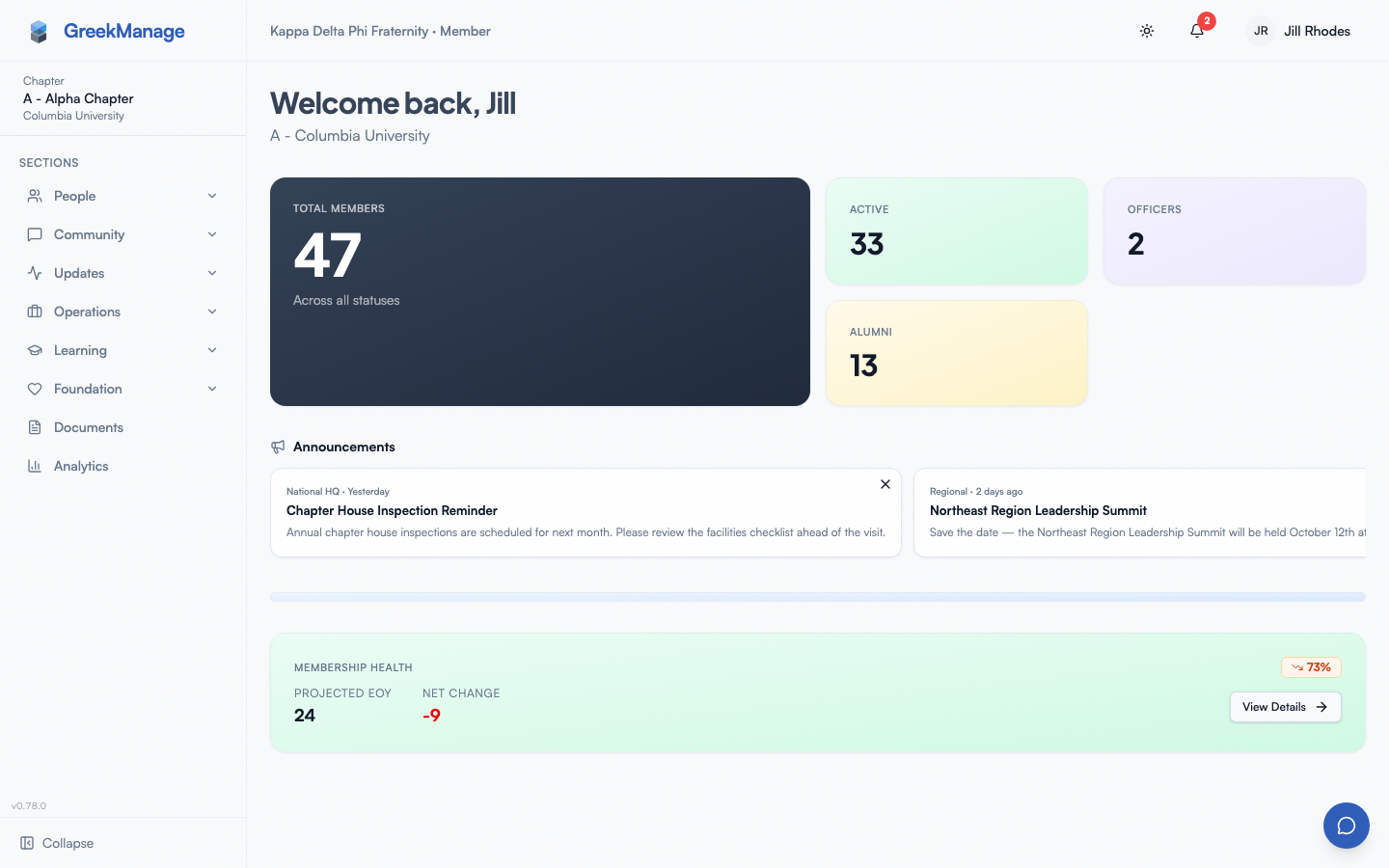 Community sidebar group — Engage, Photos, Recognition, Events.
Common workflows
For members
- Post and reply in a chapter or org forum → Engage forums
- Read pinned dashboard announcements → Bulletins (reading)
- RSVP for an event → Events & RSVPs
- Browse the photo album library → Photo albums
- Send a recognition shout-out → Recognition
For chapter officers
- Post and moderate chapter bulletins → Bulletins & moderation
- Create and edit chapter events → Creating events
- Curate chapter photo albums → Photo albums (managing)
- Recognize members with a categorized post → Recognition (posting)
For national / org admins
- Author rich org-wide bulletins with the rich-text editor → Org bulletins authoring
- Pipe the org’s Instagram feed into dashboards → Social feed (Instagram)
- Set moderation rules and review flagged content → Engage moderation rules · Flagged content queue
- Define recognition categories → Recognition categories
- Manage albums and events at the org level → Albums admin · Events admin
What’s NOT in this module
- Direct member-to-member conversations are in the Messaging module, not Community.
- Alumni mentor profiles are part of Alumni — Community only routes the mentorship matching endpoint.
- Foundation bulletins are a separate surface in Foundation and use a plain text editor, distinct from the rich-text editor used by org bulletins here.
- Community bulletins are not a campaign tool; for fundraising appeals use Foundation campaigns.
Where to go deeper
- Post-enable runbook → Community runbook
- Member overview → Members area
- Officer overview → Officers area
- Module enablement → Module enablement
Last verified against v0.62.1 (2026-05-11).