Operations module
Compliance, elections, dues/billing, retention surveys, service hours, and PNM recruitment — the structured workflows that keep an organization running.
Operations is the bundle of structured workflows that keep an organization running through a year: tracking what chapters owe and submit, running national or chapter elections, billing dues and collecting payments, measuring whether members are sticking around, logging community service hours, and recruiting the next class through PNM intake. All six surfaces flip on together with the single Operations license.
PNM (Potential New Member) intake — public apply pages, application questions, attachments, reference letters, GPA gates, and consent templates — is part of Operations and requires the Operations license. It does not have its own module slug: there is no “PNM” or “Recruitment” switch in the modules picker, and nothing to enable separately. Turning Operations on turns recruitment on with it; turning Operations off takes recruitment away, including the public apply page, which then renders a closed state to applicants.
Audience
- Members see their own status: invoices, ballots, surveys, and compliance state.
- Chapter officers submit on behalf of the chapter, run chapter-scoped elections, and review chapter billing.
- Regional admins review tier-two compliance and watch the chapters they oversee.
- National (org) admins configure the whole program — only org admins can set dues structure, payment processor, compliance requirement templates, election templates, semester windows, retention snapshot config, and PNM. Chapter officers and regional admins cannot configure these from their surfaces.
What gets enabled
When Operations is licensed:
- An Operations group appears in chapter sidebars containing PNMs, Compliance, Elections, Billing, Surveys, and Service Hours. Regional sidebars get a much smaller Operations group limited to Compliance and Elections — no Billing, Surveys, or Service Hours at that tier. Retention analytics live under the org/chapter/region Analytics page’s Retention tab, not as a separate Operations sidebar entry (see Retain runbook for the full history of that move).
- Org admins see Compliance, Elections, Billing, and Surveys nested under a single Operations sidebar group, not as separate top-level entries. Service Hours has no org-tier sidebar entry — it’s a settings tab, not a nav item.
- PNM / recruitment comes with it: the PNM rows (Overview, Periods, Name Approvals, PNM Settings at the org tier; PNMs at the chapter tier) sit inside that same Operations group, the Recruitment step appears in Semester Setup, and your org’s public apply page becomes able to serve the application form — once you have also turned on PNM management, allowed self-application, and opened a period.
- Background jobs that handle dues invoice generation, overdue detection, election open/close, retention snapshots, survey expiry, and the PNM daily digest start running.
- No data is auto-created — settings rows appear the first time a page is opened and saved.
When Operations is not licensed, the same list runs in reverse: the Operations sidebar group (PNM rows included) is hidden, the routes behind it are blocked, the API returns 403 for those endpoints, the Recruitment step drops out of Semester Setup, the PNM daily digest stops sending, PNM conversion is left out of analytics, and the public apply URL answers with a closed state. Nothing is deleted — re-licensing brings every applicant record and setting back exactly as it was.
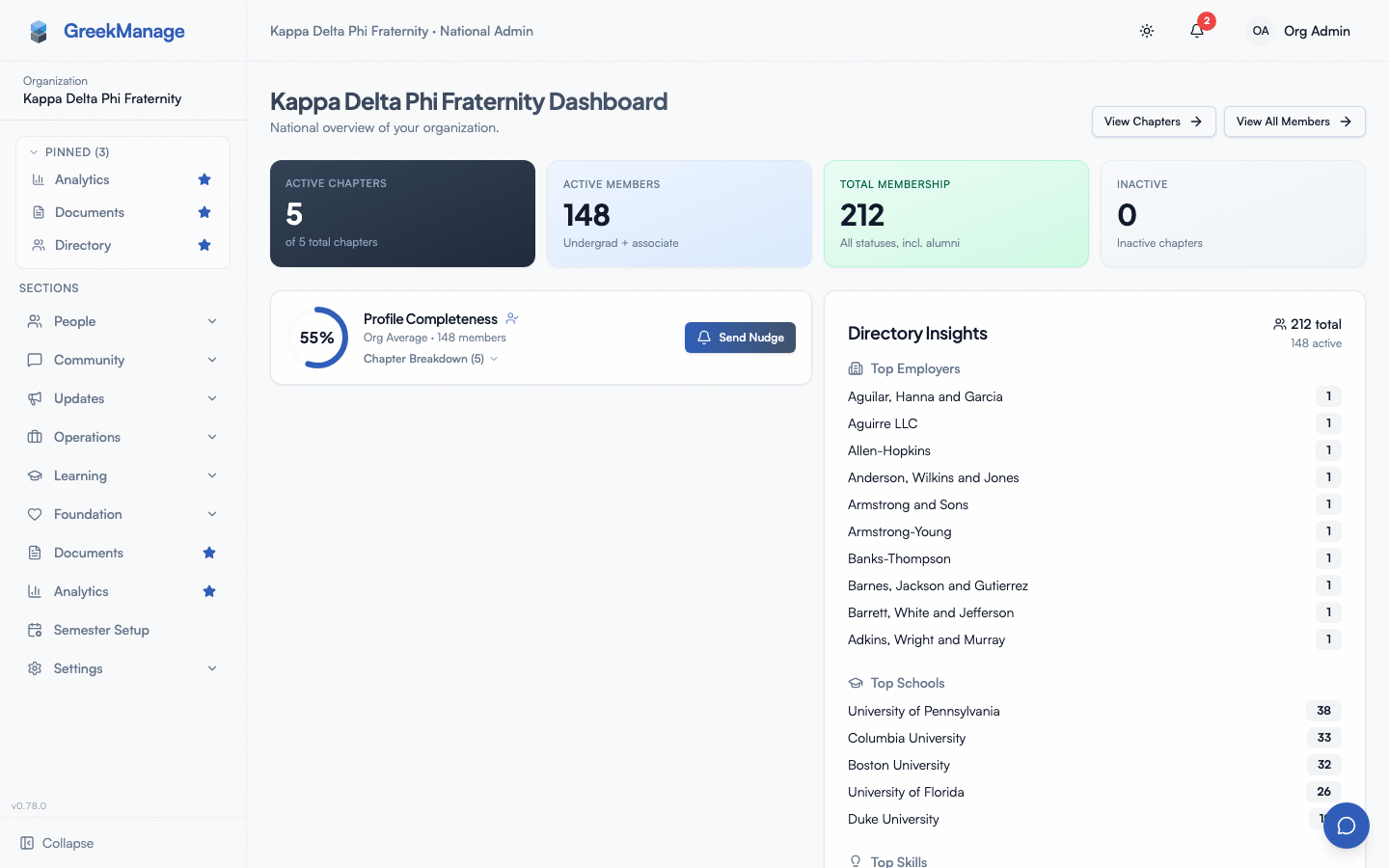 Operations sidebar group with its module entries.
Common workflows
For members
- Pay an invoice or view billing history → Dues & invoices
- Cast a ballot in an open election → Voting in elections
- Respond to a retention survey → Surveys & responding
- Submit personal compliance evidence → Compliance submissions (member)
- Log community service hours → Service Hours
For chapter officers
- Submit a chapter compliance requirement → Compliance submissions (officer)
- Review tier-one chapter compliance approvals → Chapter-tier review
- Author a chapter election → Running an election
- Reconcile chapter billing → Chapter billing
- Run a retention pulse for the chapter → Retain surveys
- Review PNM applications → PNM applicant review
- Review and approve member service hour submissions → Service Hours approvals
For national / org admins
- Build a compliance program → Compliance program · Requirement templates · Multi-tier approval · Semester management · Alerts and overrides · Chapter dashboards
- Configure dues → Dues billing · Periods · Rates · Payment processor · Invoices
- Author an election → Elections authoring · Positions and candidates · Results and live tracking
- Configure retention → Survey authoring · Retention snapshots
- Configure service hour requirements and categories → Service Hours settings
- Stand up PNM intake → PNM admin onboarding · Program · Periods · Application questions · Public apply page · Notification routing
What’s NOT in this module
- Operations does not include a chapter forum, bulletin board, or photo album surface — those are in Community.
- Dues uses one payment processor at a time; Foundation fundraising uses Stripe through a separate, sibling configuration in Foundation.
- Retention is signal and survey only — it does not write back to billing or compliance automatically.
- PNM is not its own licensable module — but that does not make it free. It has no module slug of its own because it is licensed by Operations: the same switch, the same three enforcement layers, the same Operations-style permissions on top.
Where to go deeper
- Post-enable runbook → Operations runbook
- Org admin overview → Org admins
- Module enablement (platform admin) → Module enablement
Last verified against v0.73.15 (2026-08-16). Service Hours shipped v0.63.42; retention moved from a “Retain” sidebar entry to the Analytics “Retention” tab, v0.65.0; PNM/recruitment became Operations-licensed in v0.73.15 — before that release it ran for every org regardless of license.