Bulletins & Engage moderation
Chapter officers and presidents can post bulletins to their own chapter. Forum moderation is still not an officer capability: it is gated to org admins, or to a forum-level admin role assigned per forum.
Bulletins
Bulletins are the announcements in the Announcements banner at the top of every member’s dashboard. A bulletin you post reaches the members of your chapter only, bylined with your chapter’s name.
Post a bulletin
- In the chapter sidebar, open Bulletins. (Members don’t see this row — they read bulletins on their dashboard.)
- Click New Bulletin.
- Give it a title and write the body in the rich-text editor. Add a hero image URL if you have one.
- The Audience is your chapter, and it can’t be changed: officers never post org-wide or to a region.
- Turn on Pinned to put it in the featured slot of your chapter’s banner, and Publish immediately to send it now. Leave publish off to save a draft.
- Optionally set an expiry date; the bulletin leaves dashboards when it passes.
- If your organization has connected Slack or Discord, Also post to offers your chapter’s channels when you publish.
Edit, publish or delete
Your Bulletins page lists the bulletins you can manage, drafts and expired ones included: the ones posted by your chapter’s officers, including the ones a co-officer posted. From a row you can edit, publish a draft, or delete.
You can’t edit or delete:
- org-wide or regional bulletins,
- another chapter’s bulletins, or
- anything a national or regional admin sent to your chapter. Those belong to HQ; ask them to change it.
Your national admins see your chapter’s bulletins in their own Bulletins list, under the Chapter audience, and can edit them.
Where the Feed went
The chapter Feed and its announcement composer have been removed, so bulletins are how you announce to your chapter now. Your chapter’s Feed announcements were copied into bulletins:
- Published ones stay published, keep their original date, and expire 30 days after it. Older ones are already expired, so they appear in your Bulletins list but not on the dashboard.
- Drafts stay drafts.
- The ones an officer wrote are yours to edit or delete. Ones an admin wrote belong to HQ.
- An announcement your chapter posted to the whole organization arrives as a draft in your national admins’ Bulletins list, since only national can post org-wide.
A chapter’s activity (new members, approvals, results) is still on the chapter page’s Activity tab.
Engage moderation
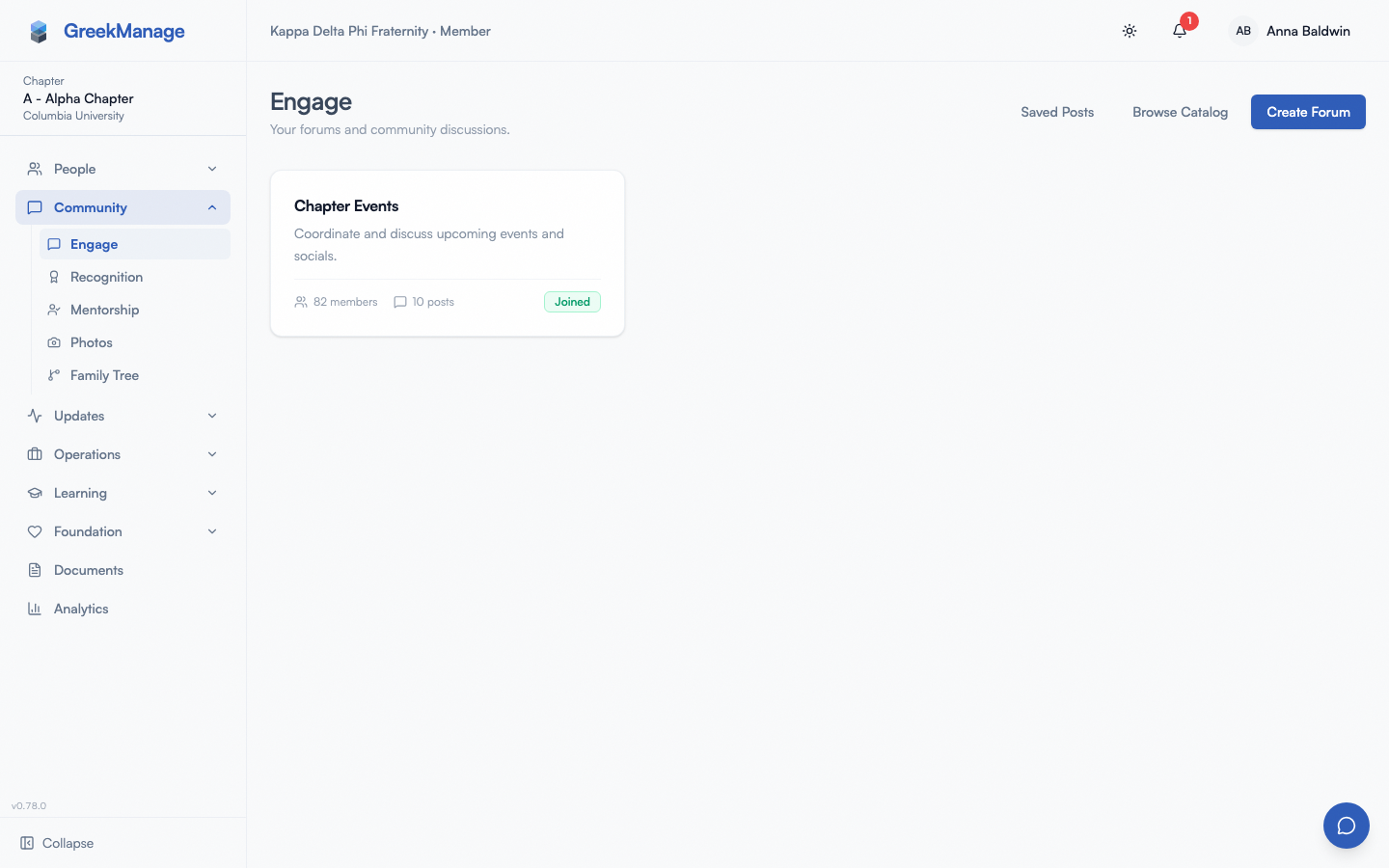 Engage forum view with member-tier actions (no moderation queue).
Forum moderation actions — pin, lock, edit/delete other people’s posts, review flagged content — are gated to forum-level admins.
A user is considered a forum admin if they’re either:
- A national admin for the forum’s organization, or
- A
ForumMembershiprecord on that forum withrole = admin.
Being an officer in your chapter does not automatically give you forum admin on chapter forums. If your chapter forum needs an officer to moderate, an org admin (or a current forum admin) needs to promote you to forum admin on that specific forum.
What officers can do in forums
Same things any member can:
- Post and comment in forums you’re a member of
- React to posts and comments
- Save posts
- Flag a post or comment for review — flagging is open to all forum members; the review of the flag happens at the forum-admin level
Features that don’t exist
The previous version of this page described several features that don’t ship in v0.62.1:
- No “Restrict user” — there is no per-forum user ban / mute endpoint.
- No officer-side “Auto-flag rules” — auto-flag is configured at org level by org admins.
Related
- Engage forums (members) — what every member can do
- Engage moderation (org admin) — the actual moderator-side surface
- Module: Community
Last verified against v0.89.33 (2026-10-12). Officer chapter bulletins shipped with #2057.