Officer responsibilities overview
Chapter officers sit one tier below the regional admin and two tiers below the national admin. The role exists so that the people closest to the chapter — the president, vice president, treasurer, secretary, recruitment chair, and anyone else holding an elected or appointed seat — can keep day-to-day operations moving without waiting on a higher tier for every approval. The role gives you write access to a focused set of chapter-scoped tasks: reviewing approvals at the chapter tier, managing events, marking attendance, submitting compliance, requesting new members, and handling chapter advisors. It does not turn you into a mini-admin who can promote members, open elections, or move money.
Officer vs president — same permissions, different expectations
In v0.62.1 there is no permission-level difference between an officer and a president. Both hold the same write capabilities inside their chapter, both appear in the same approval queues, and the system treats their votes and reviews identically. The president role exists in the data model so chapters can label the person who represents them externally, and so the next officer transition is clean — but the buttons you see in the app are the same either way.
The practical difference is workload and visibility. Presidents tend to be the first stop when something needs an escalation, run the chapter meeting where approvals are discussed, and are the public face for advisor contacts. Other officers usually focus on their portfolio — recruitment chair on PNMs, treasurer on dues visibility, secretary on member records, philanthropy chair on events. Split the work up however your chapter prefers; the system does not enforce a portfolio model.
Same-chapter only — no cross-chapter authority
Every officer write capability is scoped to your own chapter. If you are an officer of Chapter A, you cannot review a Big-Little request from Chapter B, you cannot mark attendance at an event hosted by Chapter B, and you cannot submit compliance for Chapter B even if both chapters are in the same region. The same applies in reverse: officers from other chapters cannot touch your chapter’s records. If you hold officer roles in multiple chapters (rare, but possible if you transferred), you get officer-scope authority in each chapter you currently hold the role in.
Regional admins act at the region scope, national admins act at the org scope, and platform admins act across every org. If a request needs action from someone outside your chapter, you escalate up the chain — there is no peer-to-peer transfer.
What officers can do
Across modules, your most common write capabilities are:
| Capability | Where you do it |
|---|---|
| Submit a new-member-add request for your chapter | Members → chapter detail → Add member |
| Submit a status-change request for a member of your chapter | Members → member profile → Request status change |
| Review chapter-tier Big/Little requests | Approvals → Big/Little |
| Review chapter-tier Compliance submissions | Compliance → requirement → submission |
| Submit compliance on behalf of the chapter (skips chapter review) | Compliance → requirement → Submit |
| Create, edit, and cancel chapter Events | Events |
| Check members in at an event | Events → event → Attendance |
| Acknowledge or resolve chapter retention alerts | Analytics → Retention tab |
| Manage chapter advisors (add, edit, remove) | Chapter detail → Advisors |
| Propose names for PNMs in your chapter | PNMs → PNM detail |
| Post recognitions to members of your chapter | Member profile → Recognition |
| Transition a PNM through intake stages | PNMs → PNM detail |
| Upload PNM attachments and resend reference-letter invitations | PNMs → PNM detail |
| View the chapter learning dashboard, grade free-response answers, export completions | Learning → dashboards |
| Edit non-role profile fields on members of your chapter | Members → member profile |
| Vote in elections (same as members) | Elections |
What officers cannot do
The following actions look officer-flavoured but are gated to a higher tier in v0.62.1. The buttons either do not render or the API rejects the call:
- Approve status-change requests — anyone can submit one, but only national admins approve. You see them on the Approvals page as read-only.
- Approve new-member-add requests — chapter-region tier needs a regional admin; org tier needs a national admin.
- Create, open, close, or publish elections — national admin only. You vote on the ballot like everyone else.
- Post bulletins — only regional admins and national admins create bulletins. You read them on the dashboard.
- Change a member’s role to officer or president — national admin only. Even your own role is locked.
- Set dues amounts or configure payment processors — national admin only.
- Issue refunds, record manual payments, waive invoices, send dues reminders, or adjust invoices — none of these workflows exist in v0.62.1. Adjustments happen inside Stripe (or your processor’s dashboard), and the reconciliation flows back automatically.
- Pin or lock forum threads, or remove flagged posts — requires the forum-level admin role, which is granted per forum, not automatically by chapter office. Ask the forum’s admin or your national admin.
- Author surveys — national admin only. You see the Analytics retention dashboard and alerts, and can respond to surveys deployed to you, but you cannot create one.
- Approve PNM fraternal names — chapter officers can propose; national admin approves.
- Author courses or assign them to members — regional or national admin. You can still grade and view the chapter dashboard.
- Bulk import members from CSV/XLSX — national admin only.
- Edit a chapter’s name, location, or region assignment — national admin only.
If the docs (or the UI) describes a button you don’t see, you probably don’t have permission for it. Ask your org admin to take the action, or to escalate your role if you have a good case for it.
Day in the life — your first month
Day 1 — get signed in and oriented
- Sign in with your existing member account. The officer role is a flag on your membership; you don’t get a separate login.
- Open the sidebar. You will see new entries appear that members do not see: Approvals, PNMs (under Operations, if your org is licensed for that module), an editable Events page, Compliance with submit/review buttons, actionable alerts on the Analytics → Retention tab, and the chapter Advisors tab on your chapter’s detail page.
- Visit the Approvals page. Note the three tabs. Only Big/Little is officer-actionable; Status Changes and New Members are visible but read-only at your tier.
- Visit Compliance. The chapter dashboard shows the current period and any pending submissions. If anything is in the Pending chapter state, that’s waiting for you.
- Open the Permissions matrix once and skim the rows that apply to your role. It is the source of truth — every other doc defers to it.
Week 1 — set up recurring rhythm
- Subscribe to the forums your chapter actively uses so you get notifications for posts and comments.
- Make sure your contact email on your account is one you actually read. Approval emails, compliance-rejection notes, and PNM notifications all land there.
- Walk through the Events module and add the events you already know are coming. RSVPs and check-ins flow off this data, so the sooner they exist, the better the attendance picture.
- If your chapter has advisors, open Chapter detail → Advisors and confirm the list is current. Officers add and remove advisor contact records; the chapter’s official advisor relationship with a faculty/staff member lives here.
- Check Analytics → Retention. Acknowledge anything obvious so the open queue reflects the real backlog.
Month 1 — own your portfolio
- Recruitment chair: open PNMs, walk through the intake stages your org configured, learn the fraternal name-check tool for proposing fraternal names, and confirm the public apply URL is working.
- Compliance lead: identify which requirements are coming due in your current period and submit ahead of close. Officer-submitted compliance skips the chapter-tier review, so when you submit you are also taking responsibility for the content.
- Treasurer: open Dues. You see the chapter invoice list and balance read-only. Your job is to follow up with members who are behind; you cannot waive, refund, or hand-key payments from inside GreekManage.
- Secretary: keep the directory accurate. You can edit non-role fields on members of your chapter (graduation year, pledge class, contact info) and submit status-change requests when something has actually changed.
- President: schedule a monthly check-in with your regional or national admin. Status changes, member-add escalations, and dues questions all hit them; a regular touchpoint smooths the queue.
The five most common officer actions
These are the actions you will repeat dozens of times across a semester. Pages are linked for the full walkthrough.
- Review a Big-Little request at the chapter tier. A pledge submits a request on the family tree, it lands in Approvals → Big/Little, you read it, approve or reject with notes, and it advances. See Approvals queue.
- Submit a compliance requirement on behalf of the chapter. You fill in the form, attach a PDF or image (up to 25 MB), and submit. Because you are an officer the submission skips the chapter-review tier and goes directly to the regional reviewer (or org reviewer if your chapter has no region). See Compliance submissions.
- Review a member-submitted compliance submission. A non-officer member submits something on behalf of the chapter. It sits at Pending chapter until you approve it (advancing it to the regional or org tier) or reject it with notes. See Compliance submissions.
- Create or update a chapter event and check members in. You add an event with title, date, location, and visibility, members RSVP, and on the day you mark each attendee checked-in. See Creating events.
- Submit a new-member-add request. You fill in the new person’s email, name, joined date, and a justification. The request routes to the regional admin (if your chapter has a region) and then to the national admin. See Managing members.
Officer-vs-admin escalation paths
When you hit a permission wall, the right escalation is usually:
| What you’re trying to do | Who to ask |
|---|---|
| Approve a status change | National admin |
| Approve a new-member-add request | Regional admin (if chapter has a region) → national admin |
| Open or close an election | National admin |
| Post an org-wide bulletin | National admin (or regional admin for region-scoped) |
| Change a member’s role to officer / president | National admin |
| Set or change dues | National admin |
| Refund or adjust an invoice | National admin (through the payment processor’s dashboard) |
| Approve a PNM fraternal name | National admin |
| Author a survey | National admin |
| Author a course | Regional admin (for region-scoped courses) or national admin |
| Pin, lock, or remove forum content outside your forum admin scope | National admin |
For most chapters the national admin is the right first stop. If your org has regional admins assigned to your region, status-change and big/little reviews at the regional tier go through them instead.
A realistic officer week
This is what a typical week looks like for an active chapter officer. Treat it as a starting point, not a checklist — your chapter’s rhythm may differ.
| Day | Common task |
|---|---|
| Mon | Check Approvals → Big/Little for new chapter-tier requests; clear anything that arrived over the weekend |
| Tue | Open Compliance — submit anything due in the next 14 days, review and approve any member-submitted items pending chapter review |
| Wed | Open Events — add this week’s events, confirm RSVP counts, pull the attendee list for tomorrow’s check-in |
| Thu | Check Analytics → Retention — acknowledge new alerts, follow up with at-risk members, post a recognition to anyone who did something noteworthy |
| Fri | Sync with your president and other officers; flag anything that needs an org-admin escalation; clean up the Approvals queue before the weekend |
Mobile differences
GreekManage runs as a native iOS and Android app via Capacitor. Officer write actions work on mobile, but a few things behave differently:
- File uploads (compliance attachments, PNM documents) use the native picker. PDFs, images, and Office documents work; the 25 MB cap applies the same as on the web.
- Notification bell routes through native push when you’ve enabled push for the app. Approval, compliance, big/little, and event-related notifications all surface there.
- Forms that involve long text (compliance review notes, big/little justifications) are easier on a tablet than on a phone. The character limit is the same, but you might prefer to draft on desktop and paste in.
- Face ID / Touch ID unlock is opt-in from Account Settings on the same device that registered the account.
Pages that are read-mostly (dashboards, member directory, invoice list) work fine on phone screens. Pages that are review-heavy (Approvals, Compliance) are easier on a tablet or laptop.
Where to start
Pick the page that matches your task:
| Today’s task | Page |
|---|---|
| Pending Big-Little request | Approvals queue |
| Need to add or update a member | Managing members |
| Election is open in your chapter | Running an election |
| Compliance deadline coming up | Compliance submissions |
| Looking at chapter dues | Chapter billing |
| Bulletin or moderation question | Bulletins & moderation |
| Event coming up | Creating events |
| Survey or at-risk member | Retention and surveys |
| Hand-off to next year’s officers | Officer transition |
Related
- Permissions matrix — the source of truth for who can do what
- Your role explained — role-by-role explainer
- Members section — what your members see
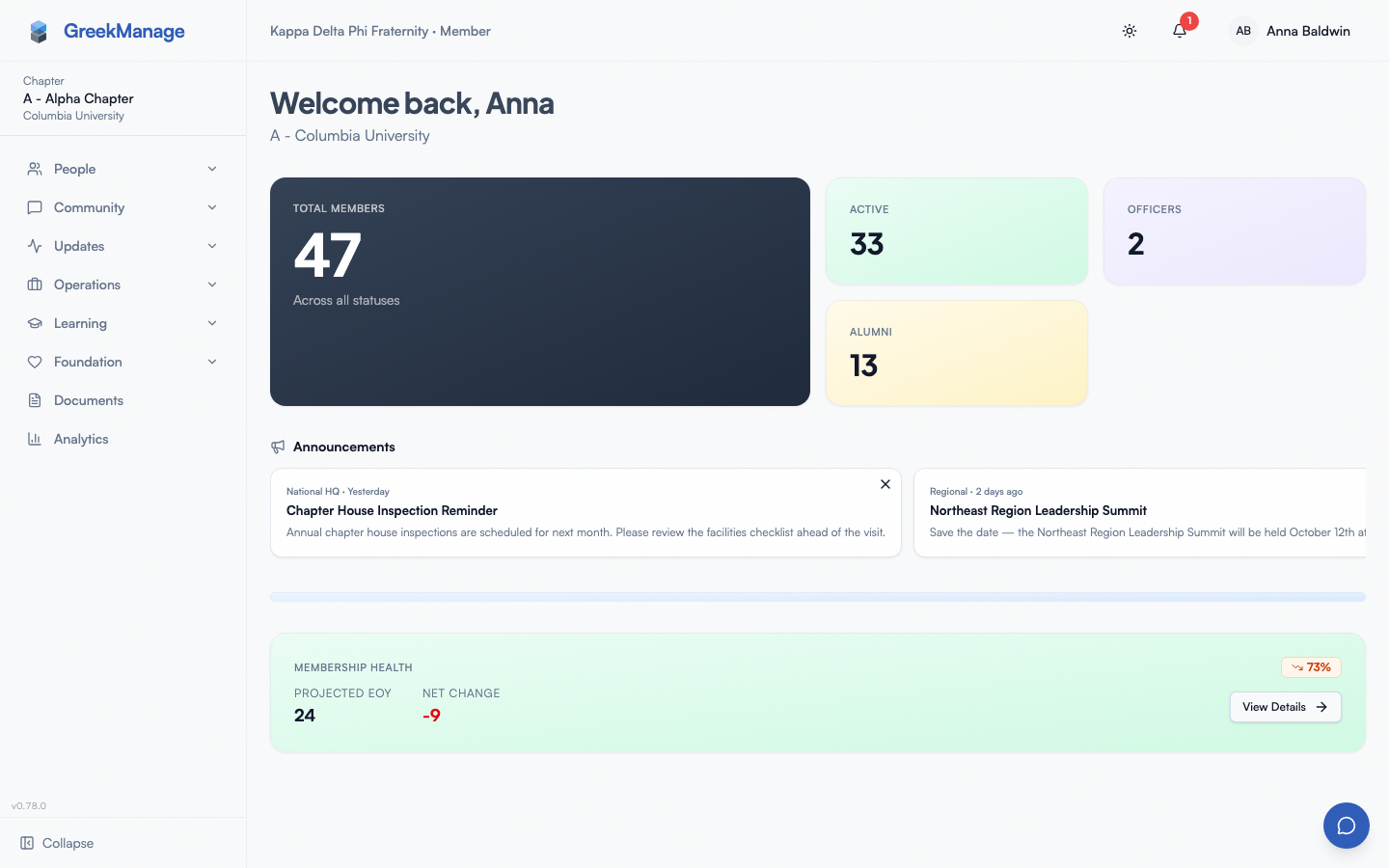 Officer sidebar showing Approvals, PNMs, Compliance, Events, and Analytics entries.
Last verified against v0.65.23 (2026-07-05). Retain merged into Analytics (Retention tab), Surveys split into a standalone nav item, v0.65.0.