Retention and surveys (for officers)
Retention analytics is GreekManage's retention-analytics surface — projections of where your chapter's headcount is going and alerts when the math gets ugly. Surveys are a separate, standalone surface that pairs with it to understand what's driving any of it. Officers are alert consumers: you can read your chapter's summary, browse the daily snapshots, and acknowledge or resolve alerts. Survey authoring, deployment, and results are gated to national admins. Officers and members can fill out surveys they're invited to, but can't author them, see who's responded, or open the aggregated results.
What you see
Open Analytics in your sidebar and click the Retention tab, and you land on the chapter retention dashboard:
- Four KPI cards at the top: Active Members, Graduating, New Members, Projected EOY (with a health badge — green if
net_delta >= 0, amber if neutral, red if losing more than you're gaining). - Alerts — your chapter's retention alerts, rendered as warning or critical cards with severity and status badges, 25 to a page with a pager underneath. Every alert is shown, whatever its status; the card's status badge tells you which are still open. The Open Alerts count in the KPI row is the server-side count of open + acknowledged alerts, so it stays accurate however many pages of history you have.
- Membership Projection chart — a 30-day trend of
active_member_count,projected_eoy_count, andnet_deltapulled from the daily snapshot table. - Class Breakdown chart — graduating vs new vs continuing members for the current academic year.
- Recruitment Quota card — how many new members you'd need to break even.
Surveys deployed to your chapter that you haven't yet completed show up separately, under the standalone Surveys nav item in the Operations group — not on the retention dashboard itself.
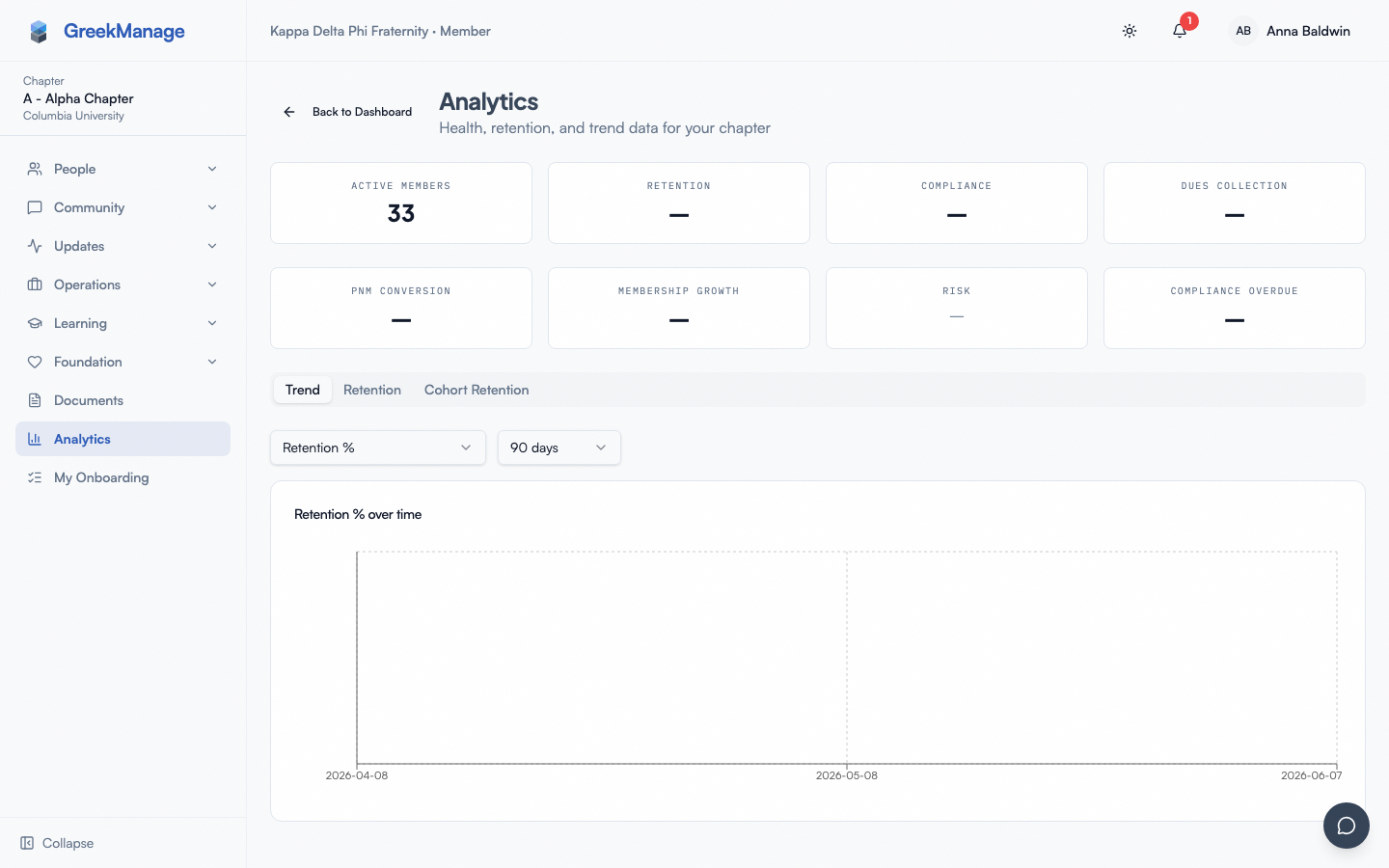 chapter retention dashboard with all four KPI cards and an open warning alert
The dashboard auto-refreshes when you act on alerts (the alerts query invalidates, which re-pulls the summary). Other than that, the data is current as of the last nightly snapshot run.
What officers can see vs what admins see
| Surface | Officer | National Admin |
|---|---|---|
| Chapter retention summary | Your chapter only | Any chapter in org |
| Chapter retention snapshots | Your chapter only | Any chapter in org |
| Chapter alerts list | Your chapter only | Any chapter in org |
| Org-wide alerts list | Hidden | Visible |
| Alert acknowledge / resolve | Yes, on your chapter's alerts | Yes, anywhere |
| Survey list | Hidden | Visible |
| Survey detail / edit / delete | Hidden | Visible |
| Survey deploy / publish | Hidden | Visible |
| Survey results | Hidden | Visible |
| Available surveys (your queue of surveys to respond to) | Visible | Visible |
| Respond to a survey | Yes | Yes |
If a national admin shares a chart with you in a chapter meeting, that's where the aggregate results come from — they're pulling the results dashboard and sharing what they see. The full dashboard itself is closed to you.
How alerts are generated
You don't need to know this to act on alerts, but understanding the trigger makes them less mysterious.
A nightly task runs across every active chapter in every org with the Operations module enabled. For each chapter it computes:
active_count— members with statusundergradorassociategraduating_count— active members whosegraduation_yearequals the current academic yearnew_member_count— active members who joined since Aug 1 of last yearprojected_eoy_count = active_count - graduating_countnet_delta = new_member_count - graduating_count
Then it asks the question: is graduating_count greater than new_member_count? If yes, the chapter is shrinking and an alert is built. Severity is:
- Critical if
projected_eoy < active_count * 0.5or the gap is 5 or more graduates over new members. - Warning otherwise.
The task deduplicates: if there's already an open or acknowledged alert of the same severity on the chapter, it doesn't create a second one. So the alert is the standing signal, not a daily ping.
In practice the alert types you'll see are all the same shape — "Chapter <designation> membership declining" — with different severities and slightly different message text describing the gap. There are no separate alert types for "low survey response" or "engagement decline" in v0.62.1; those are not implemented as alert generators in the retention task.
Act on an alert
Each alert has two officer-actionable transitions:
- Acknowledge — you've seen it. Marks the alert as acknowledged and records who acknowledged it, with a timestamp.
- Resolve — you've followed up and the situation is closed. Marks the alert as resolved and captures optional resolution notes.
There is no "Dismiss" action — only Acknowledge and Resolve. If you want to clear an alert without claiming the situation is closed, Acknowledge is the closest match — it signals "an officer has eyes on this."
To process one:
- Open the alert from the Alerts section of the dashboard.
- Read the message — it gives you the graduating count, the new-member count, and the projected EOY.
- Click Acknowledge to claim it, or click Resolve directly if the situation is already handled (you can resolve without acknowledging first).
- If resolving, add resolution notes — they're saved to the audit trail and visible to whoever opens the alert later.
Resolved alerts stop counting toward the Open Alerts KPI but remain in the Alerts list with a resolved badge, and in the alert history. If the underlying signal recurs in a later snapshot, the dedup logic will allow a fresh alert to be created.
Multi-tier assignment
In v0.62.1 alerts are chapter-scoped — they don't escalate or route across tiers. A regional admin and national admin can both act on a chapter's alert, but there's no automatic "if officers haven't acknowledged within N days, escalate to regional admin" rule. The data signal lives at the chapter; humans coordinate from there.
If a regional admin wants visibility on every chapter's alerts at once, the org-wide alert listing is gated to national admins only in v0.62.1. Regional admins see the per-chapter view by clicking into a chapter.
Reading retention snapshots
Snapshots are the daily atom: one row per chapter per day with the five counts above. The dashboard surfaces a 30-day rolling trend; the underlying API supports start_date and end_date query params if a national admin wants to pull a different window for you.
What officers tend to use snapshots for:
- Tracking a recruitment cycle — pull snapshots from intake start to bid day, check the slope.
- Comparing against last year — pull snapshots from the same date last academic year (the dashboard chart is rolling 30, but the endpoint returns all in range).
- Spotting a sudden drop — if
active_member_countfalls by 3+ in a day, something happened (status change to inactive, mass disaffiliation, data correction). Investigate via Members and the audit log.
The snapshots have nothing to do with surveys — they're computed from Membership rows directly.
Responding to a survey
If your org admin has deployed a survey to your chapter, you'll see it on the standalone Surveys page (Operations group in your sidebar).
- Click the survey card.
- Read the description.
- Answer each question — supported types are text, rating (1–5), multiple choice (single-select from configured options), and yes/no.
- Submit.
The submission is one-shot — one response per member per survey. You can't edit your response after submitting, and the API rejects a second submission with "You have already responded to this survey."
A few subtleties:
- Surveys that target a specific role (e.g. officers only) only show up for members whose role matches.
- The survey must be active and currently inside its open window. Closed or draft surveys don't appear in your list.
- Your response is tied to your user account, and the response is also tagged with your chapter at the time of submission so national admins can slice results by chapter.
- Anonymity is not guaranteed by the schema — the respondent FK is on the response. Whether your national admin chooses to look at individual responses is a policy question, not a platform constraint.
Reviewing survey results
You can't, directly. The results dashboard is gated to national admins. If you want the aggregate numbers:
- Ask your national admin to share a screenshot, an export, or a summary in a chapter meeting.
- Ask them to copy the relevant cuts onto a bulletin so it lives somewhere visible to your chapter.
- If your org publishes a regular retention report, ask to be added to its distribution.
The results endpoint returns per-question aggregates: average rating for rating questions, choice counts for multiple-choice, yes/no counts for booleans, and the full list of text responses for text questions. There is no PII filter — the text responses are raw — which is one reason results stay national-admin-only.
What's not available to officers
To be very explicit, since this was over-described in earlier docs:
- Authoring a new survey — national admin only.
- Editing or deleting a survey — national admin only.
- Deploying a survey to members — national admin only.
- Viewing survey results — national admin only.
- Org-wide alert listings across all chapters — national admin only.
- Generating retention reports — there is no export endpoint at officer scope; the dashboard is screenshot or copy.
- Custom alert thresholds — the warning / critical breakpoints are coded in
_build_alert_if_needed. There is no per-chapter or per-org override.
If you have a question you'd like surveyed, write it up and send it to your national admin to author and deploy.
Mobile alert handling
The chapter retention dashboard is responsive. KPI cards collapse to a 2-column grid on phones; alert cards stack vertically with full-width acknowledge/resolve buttons. There's no separate "alerts" notification stream — open alerts surface in the standard in-app notification bell when first created (the create-alert task fires create_retention_alert_notification which sends notifications to org admins, not officers; officers see alerts by visiting the page).
If you want a phone-friendly workflow:
- Bookmark the Analytics → Retention page on your phone.
- Check it weekly — Monday morning is a good cadence.
- Acknowledge any new alerts so they don't sit unread.
- Resolve once you've followed up with the affected member or chapter cohort.
Errors and edge cases
| Symptom | Cause | What to do |
|---|---|---|
| KPI cards show zeros after a known-good week | Snapshot task hasn't run yet today | Wait — task is nightly. |
| Alert keeps re-appearing after resolution | Underlying signal still true on next snapshot | Resolve again; or fix the underlying gap. |
| "You have already responded to this survey." | Tried to re-submit | Expected; one-shot by design. |
| Survey not visible in Available | Not deployed, closed, or filtered out by role | Ask org admin to check status. |
| Resolve button greyed out | Already resolved | Reopen the page; cache is stale. |
| Can't see org-wide alerts tab | National-admin only | Switch admin or ask one for the rollup. |
Tips
- Acknowledge alerts as you see them. Even without immediate action, acknowledging signals "an officer has eyes on this" and prevents duplicate follow-ups from a co-officer.
- Write resolution notes that future officers can use. "Talked to member, they're studying abroad fall semester, expect to re-engage spring" is far more useful than "resolved".
- Don't treat alerts as the only signal. They fire on
graduating > new. A chapter losing 5 members to inactive status mid-semester won't trigger an alert; you'll only see the drop on the snapshot chart. - Survey honestly. Targeting
role = officerand then chasing officers for completion makes the data worse, not better. - Don't argue with the math. If projected EOY is 23 and you'd like it to be 30, that's a recruitment question, not a docs question.
Related
- Module: Operations — module overview, including retention and surveys alongside compliance and billing
- Members at risk — analytics (org admin) — the org-wide rollup version
- Compliance submissions — officer-actionable workflow on the same module
Last verified against v0.65.23 (2026-07-05). Retain merged into Analytics (Retention tab), Surveys split into a standalone nav item, v0.65.0.