AI Services — content scope
The AI assistant doesn't reach into your data blindly. Every kind of content the chatbot can search and quote — members, forum posts, compliance records, documents, and several others — is gated by a separate scope toggle. Org admins decide what's in scope and what's off-limits for their organization. This page covers every toggle, what it actually controls, and the privacy trade-offs to think through.
The scope toggles live on the AI Content Sources card at Org → Settings → AI Assistant, directly below the provider configuration covered in AI Services — provider configuration.
What a scope toggle does
Each toggle controls two things for its content type:
- Indexing. When the toggle is off, GreekManage will not generate embeddings for that content type during a re-index. The data is not added to the AI's searchable index.
- Query handling. When a member asks the chatbot a question that GreekManage classifies as touching that content type, the platform checks the toggle first. If it's off, the assistant declines to answer rather than searching the (potentially stale) index.
The combination means turning a toggle off has two effects: future questions on that topic get refused, and the underlying data goes stale in the index. Turning a toggle back on requires a re-index for the assistant to see the latest data (see tenant re-indexing).
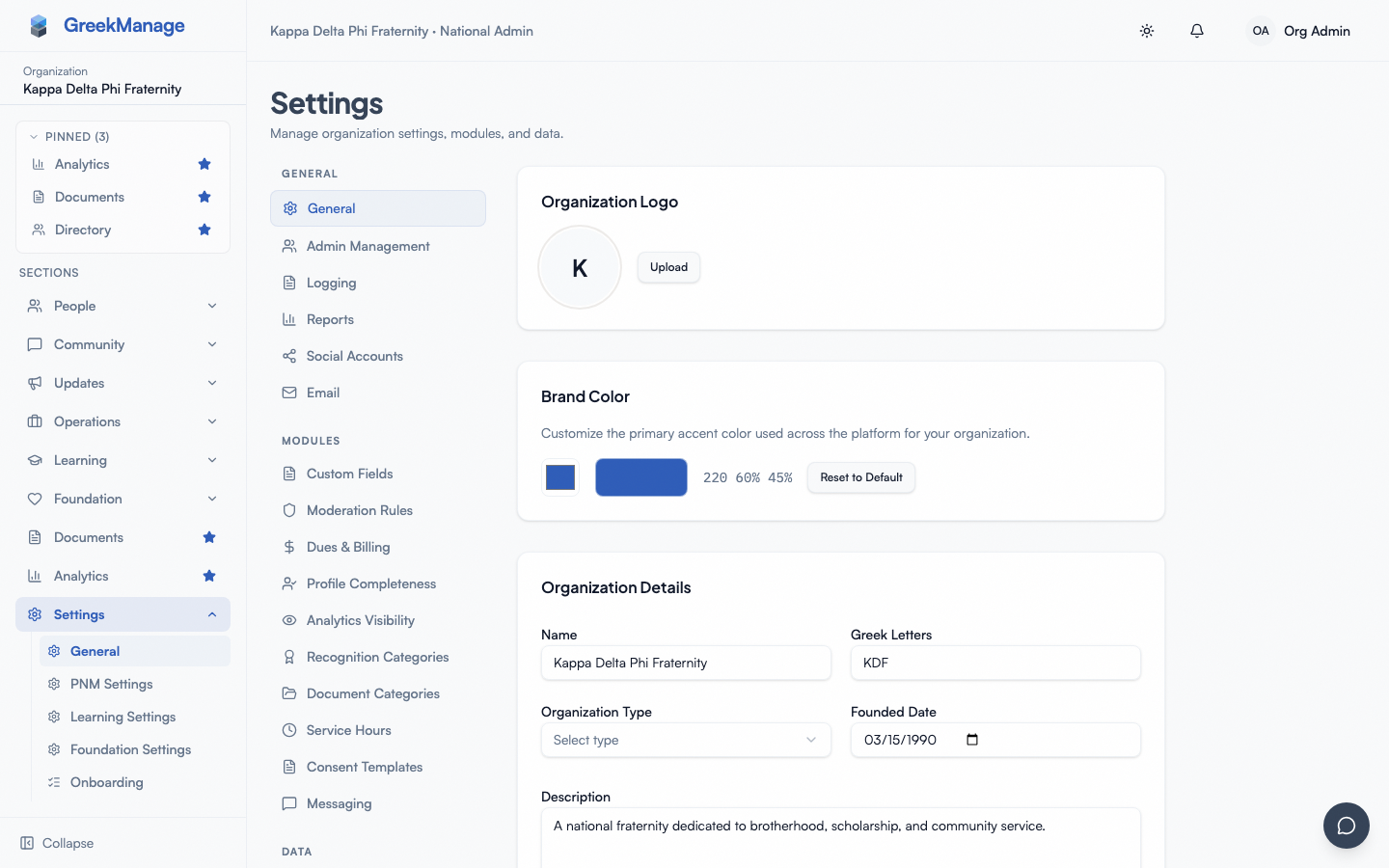 the AI Content Sources card with the four UI toggles
The four toggles in the settings page
The AI Content Sources card surfaces four toggles in v0.62.1:
Member Profiles
Controls whether the assistant can search and reference member data: names, emails, statuses, profile fields, work history, certifications, skills, and chapter assignments.
- Default: on.
- Off means: questions like "find members in the Boston chapter who have HR experience," "how many alumni do we have in finance," or "who is the President of the Beta chapter" return a "this scope is disabled" response.
- Privacy implication: with this on, the chatbot inherits the org's member directory access rules. A member asking the chatbot can only get answers about members they would themselves be allowed to see in the directory. Turning the toggle off is the right move if your org's directory access is permissive and you want the AI to be more conservative than the underlying UI.
Forum Discussions
Controls whether the assistant can search and quote forum posts and comments.
- Default: on.
- Off means: "summarize last week's discussion in the Recruitment forum" or "what did we conclude about the merch vendor" return a scope-disabled response.
- Privacy implication: forum posts in private forums are still respected at the access layer — the AI cannot surface a forum post to a member who couldn't read that forum directly. The toggle is a coarser kill switch on top of that.
Compliance Records
Controls whether the assistant can search compliance requirements, submissions, evidence, and statuses.
- Default: on.
- Off means: "which chapters are behind on hazing certification" or "show me my upcoming compliance deadlines" return a scope-disabled response.
- Privacy implication: compliance data is sensitive — it includes evidence uploads, dates, and per-chapter compliance posture. Many orgs want this scope on for officers but off for the wider membership. The toggle is org-wide, so you decide as a whole.
Documents
Controls whether the assistant can search and quote from the Documents library (bylaws, policies, manuals, attached files).
- Default: on.
- Off means: "what does our risk management policy say about open parties" or "find the section in our bylaws on impeachment" return a scope-disabled response.
- Privacy implication: document access is permission-gated separately, so the AI can only surface documents the asking member could read directly. Turn this toggle off only if you want the chatbot to ignore documents entirely.
Six additional scope toggles (v0.63.20+)
Six more toggles gate the AI's behavior against newer content types added during the Foundational AI Services release. As of v0.63.20 these are wired into the same settings UI — ai-settings.tsx now renders all 10 ai_scope_* toggles grouped into "Primary content" (members / forum_posts / compliance / documents / events / learning) and "System signals & AI workflows" (mentorship / onboarding / notifications / reports), each with a one-line description of what it scopes.
All default to on:
- Events — controls whether the assistant can answer event questions ("when is the next meeting," "who's RSVP'd to formal").
- Mentorship — controls whether the assistant can perform mentor-mentee matching and reference mentor profiles.
- Notifications — controls whether the assistant can compose or summarize notification digests.
- Onboarding — unlike the other scopes on this page, this toggle isn't a content-retrieval filter. It's a hard kill-switch on the entire onboarding checklist feature's REST API — when off, the templates/steps/progress endpoints return a 403 for every request, not just chatbot answers about onboarding.
- Reports — controls whether the assistant can generate the periodic admin reports (quarterly chapter, annual org, compliance summary, membership overview, financial summary).
- Learning — controls whether the assistant can answer course and quiz questions ("which courses are due soon," "find courses on hazing").
Save persists all 10 fields. If you want the chatbot to ignore a content type entirely (e.g., compliance for a privacy-sensitive org), flip the corresponding toggle off — the change takes effect on the next request.
How a question is routed against scope
A simplified picture of what happens when a member asks the chatbot:
- The chatbot classifies the question's intent ("member lookup," "forum summary," "compliance status," "event time," etc.).
- GreekManage maps that intent to the matching scope toggle.
- If the toggle is off for this org, the assistant returns a brief "this kind of question is disabled for your organization" message and does not run the search.
- If the toggle is on, the assistant proceeds to search the indexed data and stream back an answer.
Some intents — notably retention analytics — don't yet have a corresponding toggle and run unconditionally. The set of toggled vs. untoggled intents will grow over time.
Defaults
Every scope toggle in v0.62.1 defaults to on when an org's AI config is first created. The intent is to make the assistant useful out of the box and to let admins narrow scope deliberately.
If your organization's privacy posture is conservative, the recommended first-day action is:
- Open Org → Settings → AI Assistant.
- Turn off any of the four visible toggles you don't want yet.
- Save.
- Trigger a re-index — turning a toggle off doesn't remove existing embeddings, but if you don't ever re-index, the index won't drift back into the data either.
If you later turn a toggle back on, re-index to fill the index with current data. See AI Services — tenant re-indexing.
Privacy boundaries the toggles do not change
The scope toggles are an additional privacy gate. They do not replace any of GreekManage's standard access controls. Specifically:
- Cross-organization isolation. The AI for Org A can never see Org B's data, regardless of any toggle on either side.
- Per-user access rules. A member querying the chatbot can only get answers about data they could themselves read in the regular UI. The chatbot doesn't elevate anyone's privileges.
- Encrypted fields. Sensitive fields that are encrypted at rest (provider API keys, billing credentials, certain PII) are never indexed. No toggle controls this — they're permanently off-limits.
Think of the toggles as a way to be stricter than the underlying UI, not as a way to be more permissive than it.
When to change a toggle
Useful patterns:
- Turn off Compliance while you're cleaning up bad compliance records or running an audit you don't want surfaced.
- Turn off Forum Discussions in the run-up to a sensitive election or a dispute period where you don't want the AI summarizing arguments back to people.
- Turn off Documents if you're about to migrate a large document library and don't want the AI quoting half-uploaded versions.
- Turn off Member Profiles if your member directory is permissive and you want the AI to stay quieter than the directory does.
After each change, save and re-index.
Related
- AI Services — provider configuration
- AI Services — tenant re-indexing
- AI Services module
- Permissions matrix
Last verified against v0.65.18 (2026-07-04). All 10 toggles surfaced in ai-settings.tsx UI as of v0.63.20; document-level authorization in chatbot search (matching this page's "the AI can only surface documents the asking member could read directly" claim) fixed v0.65.18.