Alumni directory and privacy
The alumni directory is the org-wide list of members in an alumni status (alumni, active alumni, lifetime alumni). It's a recruiting surface, a mentorship surface, and a networking surface — but it's also the place where personal contact data lives, so privacy matters. Every alumnus controls four field-level visibility toggles that decide who can see their info, and the directory respects those settings on every read.
This page is for the org admin orientation: what visibility levels exist, what every audience class sees, how to configure alumni-only forums, and the limits of per-field privacy in the current build.
The four visibility levels
Each alumnus sets a visibility level per field. Four choices, in order from most-open to least-open:
| Level | Who can see |
|---|---|
| All / Everyone | Every authenticated member of the organization, regardless of role |
| Alumni only | Members in an alumni status (alumni, active alumni, lifetime alumni) |
| Officers only | Chapter officers, chapter presidents, and org admins |
| Hidden | Nobody except the alumnus themselves and org admins |
These are field-level — the alumnus picks one for email, one for phone, one for work history, and one for location. Plus a single Hide me from the directory entirely toggle (v0.63.17) — when on, the alumnus is omitted from the directory listing entirely regardless of field-level visibility.
Defaults
When an alumnus has never opened their privacy settings page, the defaults are:
- Email — Alumni only
- Phone — Alumni only
- Work history — Everyone
- Location — Everyone
The defaults lean a little conservative on contact data (only fellow alumni see emails and phone numbers) and open on professional context (work history and location are widely visible). Alumni can flip any of these in the privacy form.
 Alumni privacy form with field-by-field visibility selectors per audience.
What each audience sees
Concretely, on the directory member card and detail dialog, here's what each role sees given an alumnus's privacy settings.
Active members (undergrads, new members, intent-to-renew)
- Name, chapter, status, graduation year — always visible.
- Email, phone, work history, location — only the fields the alumnus has set to Everyone.
- Anything set to Alumni only, Officers only, or Hidden — appears as blank or omitted.
Alumni (any alumni status)
- Everything active members can see.
- Plus fields the alumnus set to Alumni only.
- Officers-only and hidden fields still hidden.
Chapter officers and presidents
- Everything active members can see.
- Plus fields set to Officers only.
- Alumni-only fields hidden (officers in an active status are not alumni).
- Hidden fields still hidden.
Org admins
- Everything, every field, every alumnus. Privacy settings are bypassed for org admins.
Platform admins
- Same as org admins — every field visible. Privacy settings are bypassed.
This means an officer who is also an alumnus (someone who, say, is officially graduated but holding an officer role for a transitional semester) gets the union of officer-only AND alumni-only access. The check is per-role, not exclusive.
an alumni directory card showing visible fields and blanks where privacy hid data
What admins can change
There are two surfaces for admins to configure how the directory behaves.
Default visibility per field
The platform-level defaults (above) are not currently overridable per organization. If you want your alumni to default to "Everyone for everything," they have to flip the settings themselves. There is no admin-set default that propagates to new alumni records.
This is a known gap for orgs that want a particular privacy posture by default. Until org-level defaults exist, the workaround is communication — when an alumnus is added, send a note pointing them at the privacy page and recommending the posture you'd like.
Alumni-only forums
Forums (under the Engage module) have a per-forum alumni forum flag. When set, the forum behaves a little differently than a regular forum:
- Posting is restricted to alumni members and officers/admins. Active undergrad members cannot post threads or comments in an alumni forum.
- Reading stays open to all members. Active members can see what alumni are discussing, which preserves the chapter's institutional memory.
- The setting lives on the forum configuration form when an org admin or regional admin creates the forum.
This is the most common ask for "alumni privacy" beyond contact info: a private-ish discussion space where alumni can talk shop without active members chiming in. The alumni forum flag is the lightweight version of that.
For a fully private alumni forum (alumni post AND alumni read, with no active-member access), the workaround today is a forum with the standard private visibility setting plus the alumni-forum flag — but the better pattern is to grant alumni-only forum memberships individually. The platform does not auto-add alumni to alumni forums on status transition.
What members see, briefly
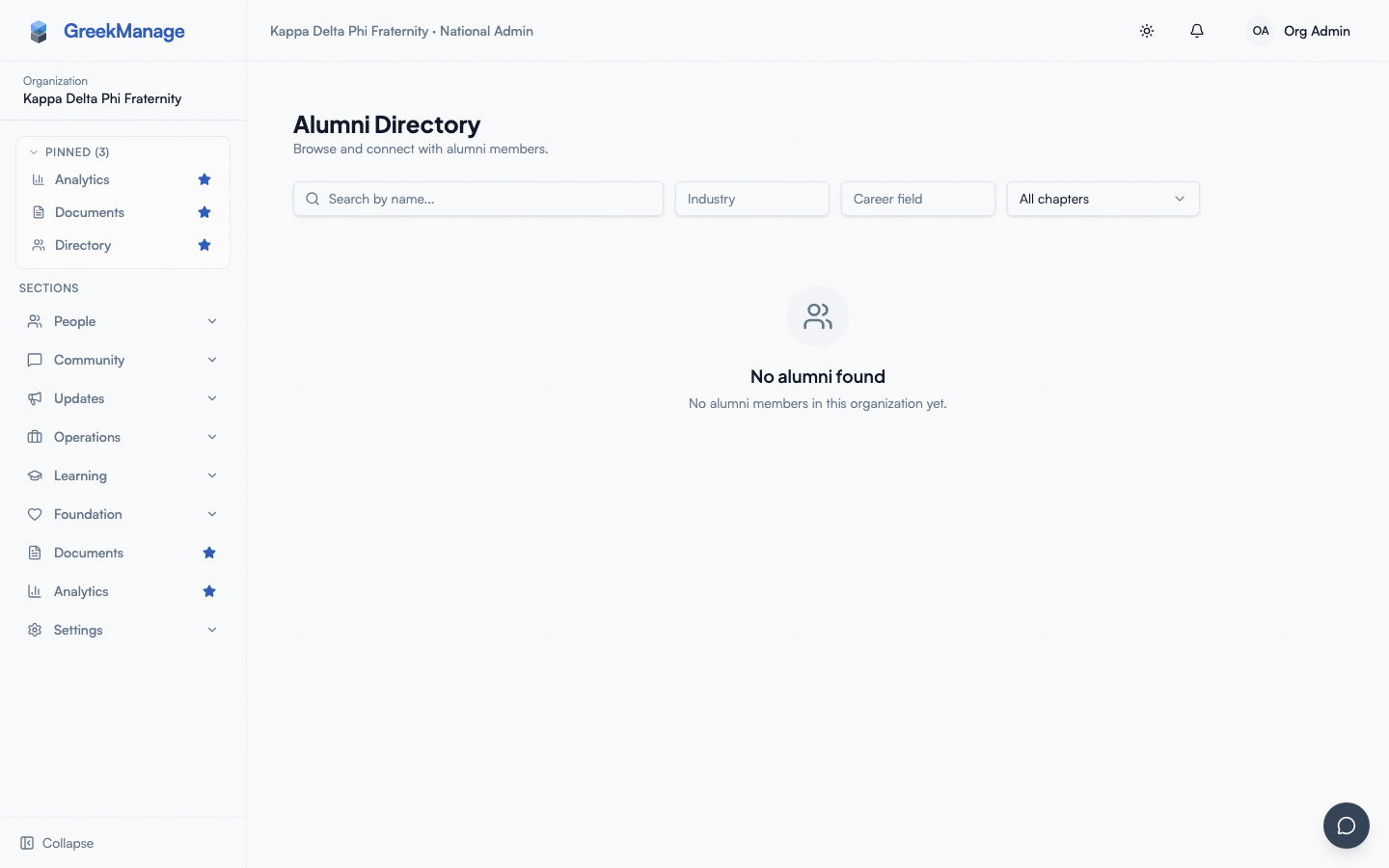
The directory is reached via the Alumni section in the sidebar (visible only when the Alumni module is enabled for the org). Every member with platform-access membership sees:
- A grid of member cards, each showing name, chapter, status, graduation year, and whatever contact info the alumnus has shared with them.
- A search bar that matches first or last name.
- Filters for mentor industry, mentor career field, and chapter — useful for finding alumni in a specific industry or graduation class.
- A "Mentor" badge on alumni who have an active mentor profile.
Clicking into a card opens the member's full alumni view. The same privacy rules apply — fields the alumnus has hidden from the viewer's audience class are blank, not just summarized.
Who counts as an "alumni member"
The directory shows members with one of three statuses:
- Alumni — graduated, default alumni status.
- Active alumni — graduated and engaged (pays dues, attends events).
- Lifetime alumni — alumni who have paid lifetime dues.
A member's status is set by chapter officers via the standard membership-status workflow (which routes through the approvals queue for officer-initiated changes). When a member's status changes from an undergraduate status to any alumni status, they appear in the directory on the next API read. There is no batch reindex required.
Members in other statuses — new member, active, intent-to-renew, inactive, suspended — do NOT appear in the alumni directory. They appear in the regular Members list, which has its own (different) visibility rules.
Privacy gaps to know about
A few things to surface honestly, so admins don't promise members what the schema can't deliver:
- Org admins always see every field. Worth communicating to alumni who set fields to "Hidden" — if an alumnus thinks "Hidden" means "no one at all," they should know admins still have access for member-services reasons.
- Hiding a field doesn't hide the alumnus from the directory. The card still appears; only the field value is omitted. There's no per-alumnus "remove me entirely" toggle. The only option for full removal is moving the member to a non-alumni status.
- Work history visibility is binary. One level applies to the entire work-history list — you can't keep current employer Everyone-visible while hiding earlier roles. Workaround: edit individual entries to omit anything sensitive.
- Location field on members (v0.63.17). The underlying user record now stores a location value; the privacy form's "show location" toggle is fully wired and the directory reflects the alumnus's preference.
Alumni dashboards and career board
Alongside the directory, the Alumni module surfaces a dashboard view and a career board. Both follow similar visibility rules.
- The alumni dashboard is the alumnus's home base — recent career postings, mentor matches, and shortcuts to the directory. It's gated to alumni only.
- The career board lets alumni and chapter officers post jobs, internships, referrals, and networking opportunities. All members can browse and express interest in a posting; only alumni, officers, and admins can post.
Privacy settings do not affect career board postings — the poster is always identified on the posting. There is no anonymous posting option today.
Related
- Module enablement — the Alumni module gates the directory, career board, mentor profiles, and privacy form
- Mentorship matching — pairs with the alumni-mentor-profile data
- Engage moderation — forum moderation applies to alumni-only forums as well
- Permissions matrix
Last verified against v0.63.39 (2026-06-26). Directory opt-out toggle + location field shipped v0.63.17.