Alumni directory and privacy
The alumni directory is the org-wide list of members in an alumni status (alumni, active alumni, lifetime alumni). It’s a recruiting surface, a mentorship surface, and a networking surface — but it’s also the place where personal contact data lives, so privacy matters. Every member (alumni and undergrads alike, since #2495) controls who can see their email, phone, profile photo and location through the Directory Privacy card on Account Settings, and the directory, the member rosters and member search respect those settings on every read, server-side.
This page is for the org admin orientation: what visibility levels exist, what every audience class sees, how to configure alumni-only forums, and the limits of per-field privacy in the current build.
The three visibility levels
Each member sets a level per field — email, phone, profile photo and location — on the Directory Privacy card:
| Level | Who can see |
|---|---|
| Everyone in the organization | Every member of the organization |
| My chapter | Members of the member’s own chapter |
| Officers & admins only | Nobody beyond the always-see group below |
Always see every field, whatever the setting: the member themselves, officers of the member’s own chapter, regional and national admins, and platform admins. Location detail (City, state and country or State and region only) decides how much location is shown, to every viewer including admins.
Not controllable, and always visible to members of the organization: name, chapter, status, role, employer, job title, LinkedIn, personal website, graduation term, pledge class and crossing semester. Work history is public to the org. Members cannot remove themselves from the directory.
A member who holds an officer role or a current officer position cannot set email stricter than My chapter, so their chapter can always reach them.
Defaults
When a member has never saved the card, the defaults are:
- Email — Everyone in the organization
- Profile photo — Everyone in the organization
- Phone — Officers & admins only
- Location — Officers & admins only
Alumni who had saved the old alumni privacy settings kept them, translated: Alumni only became My chapter; Officers only and Hidden became Officers & admins only (which now means officers of their own chapter, not any chapter’s); anyone who had hidden themselves from the directory is listed again with every field at Officers & admins only. Alumni who never saved settings keep what they were showing before.
 Alumni privacy form with field-by-field visibility selectors per audience. (Screenshot predates the Directory Privacy card.)
What each audience sees
On the directory member card, given a member’s settings:
- A member of another chapter — name, chapter, status, graduation year and work history; plus email, phone and location only where set to Everyone in the organization.
- A member of the same chapter — the same, plus anything set to My chapter.
- An officer of another chapter — the same as a member of another chapter. Holding an office elsewhere grants nothing extra.
- An officer of the member’s own chapter — every field.
- Regional, national and platform admins — every field.
A withheld value is blank on the card (“Private” on the member rosters; initials instead of a hidden photo). Search and filters cannot find a member by a value the viewer may not see.
What admins can change
There are two surfaces for admins to configure how the directory behaves.
Default visibility per field
The platform-level defaults (above) are not overridable per organization. If you want your members to default to “Everyone for everything,” they have to change the settings themselves. There is no admin-set default that propagates to new alumni records.
This is a known gap for orgs that want a particular privacy posture by default. Until org-level defaults exist, the workaround is communication — when an alumnus is added, send a note pointing them at the privacy page and recommending the posture you’d like.
Alumni-only forums
Forums (under the Engage module) have a per-forum alumni forum flag. When set, the forum behaves a little differently than a regular forum:
- Posting is restricted to alumni members and officers/admins. Active undergrad members cannot post threads or comments in an alumni forum.
- Reading stays open to all members. Active members can see what alumni are discussing, which preserves the chapter’s institutional memory.
- The setting lives on the forum configuration form when an org admin or regional admin creates the forum.
This is the most common ask for “alumni privacy” beyond contact info: a private-ish discussion space where alumni can talk shop without active members chiming in. The alumni forum flag is the lightweight version of that.
For a fully private alumni forum (alumni post AND alumni read, with no active-member access), the workaround today is a forum with the standard private visibility setting plus the alumni-forum flag — but the better pattern is to grant alumni-only forum memberships individually. The platform does not auto-add alumni to alumni forums on status transition.
What members see, briefly
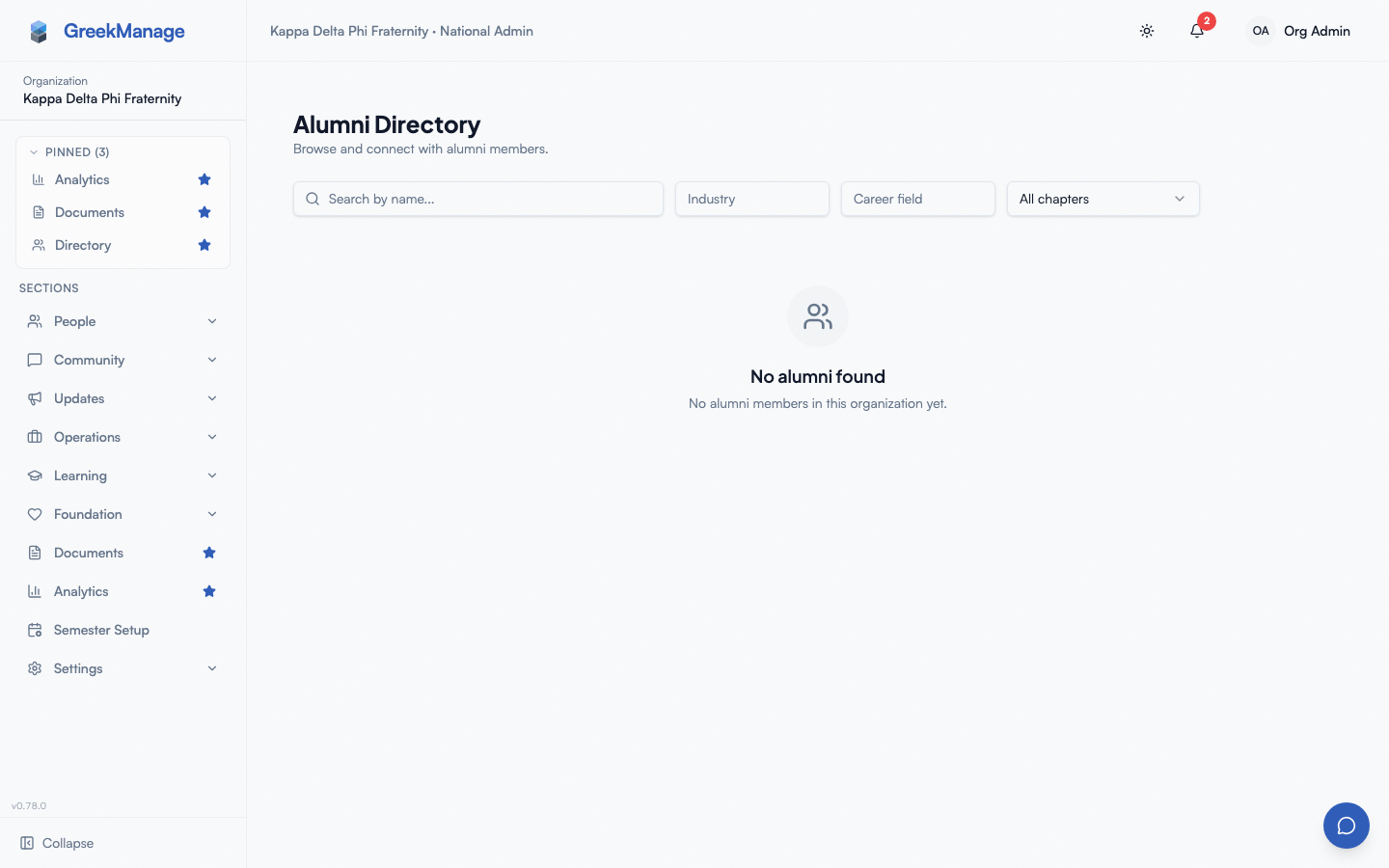
The directory is reached via the Alumni section in the sidebar (visible only when the Alumni module is enabled for the org). Every member with platform-access membership sees:
- A grid of member cards, each showing name, chapter, status, graduation year, and whatever contact info the alumnus has shared with them.
- A search bar that matches first or last name.
- Industry and Career field filters that match any part of a value, ignoring case — “leg” finds “Legal Services”. Industry searches the industries on an alumnus’s work history and mentor profile; Career field searches their mentor profile’s career fields and the job titles and departments in their work history. While a filter is set, alumni with nothing matching are left out. Work history is visible to every member of the organization, so it matches for everyone.
- A Chapter filter.
- A “Mentor” badge on alumni who have an active mentor profile.
Clicking into a card opens the member’s full alumni view. The same privacy rules apply — fields the member has not shared with the viewer are blank, not just summarized.
Who counts as an “alumni member”
The directory shows members with one of three statuses:
- Alumni — graduated, default alumni status.
- Active alumni — graduated and engaged (pays dues, attends events).
- Lifetime alumni — alumni who have paid lifetime dues.
A member’s status is set by chapter officers via the standard membership-status workflow (which routes through the approvals queue for officer-initiated changes). When a member’s status changes from an undergraduate status to any alumni status, they appear in the directory on the next API read. There is no batch reindex required.
Members in other statuses — new member, active, intent-to-renew, inactive, suspended — do NOT appear in the alumni directory. They appear in the regular Members list, which has its own (different) visibility rules.
Privacy limits to know about
A few things to surface honestly, so admins don’t promise members what the product doesn’t do:
- Admins and the member’s own chapter officers always see every field. Worth telling members who choose Officers & admins only: it does not mean “no one at all”.
- Nobody can be removed from the directory. Name, chapter, status and role are always listed; only the controllable fields can be withheld. The only way off the alumni directory is a non-alumni status.
- Employer and work history are public to the organization. There is no per-entry control; a member who wants something off it should edit or delete the entry.
- Content a member writes is not covered. Forum posts, messages and comments show the author as they always have; the settings card says so.
- No organization-level defaults. There is one platform default (above). If you want a different posture, tell members and point them at the card.
Alumni dashboards and career board
Alongside the directory, the Alumni module surfaces a dashboard view and a career board. Both follow similar visibility rules.
- The alumni dashboard (the Alumni Overview at
/org/alumnifor org admins) shows the alumni, active-mentor and open-posting counts and the five newest postings. Any member of the organization can open it, and so can its national admins, with or without a chapter membership. - The career board lets alumni and chapter officers post jobs, internships, referrals, and networking opportunities. All members can browse and express interest in a posting; only alumni, officers, and admins can post. National admins of the organization can browse the board, open a posting and see who is interested without a chapter membership; expressing interest still needs one.
Privacy settings do not affect career board postings — the poster is always identified on the posting. There is no anonymous posting option today.
Related
- Module enablement — the Alumni module gates the directory, career board, mentor profiles, and privacy form
- Mentorship matching — pairs with the alumni-mentor-profile data
- Engage moderation — forum moderation applies to alumni-only forums as well
- Permissions matrix
Last verified against v0.89.106 (2026-10-21). Industry/Career field filters search work history as well as mentor profiles, within each alumnus’s privacy settings, since #2356; they match part of a value since #1826. Directory opt-out toggle + location field shipped v0.63.17. Updated for #2495 (2026-10-24): Directory Privacy replaces the alumni-only settings and the opt-out toggle.