Consent templates
Consent templates are the org-specific consents — anti-hazing, code of conduct, photo release, etc. — that PNM applicants accept during the public apply flow. Platform-wide consents (privacy policy, terms of service) are managed separately by platform admins.
GreekManage tracks who accepted each template version and when, for audit purposes.
Open consent templates
Org → Settings → Consent Templates.
You'll see every template you've authored, with its consent type, version, and active state.
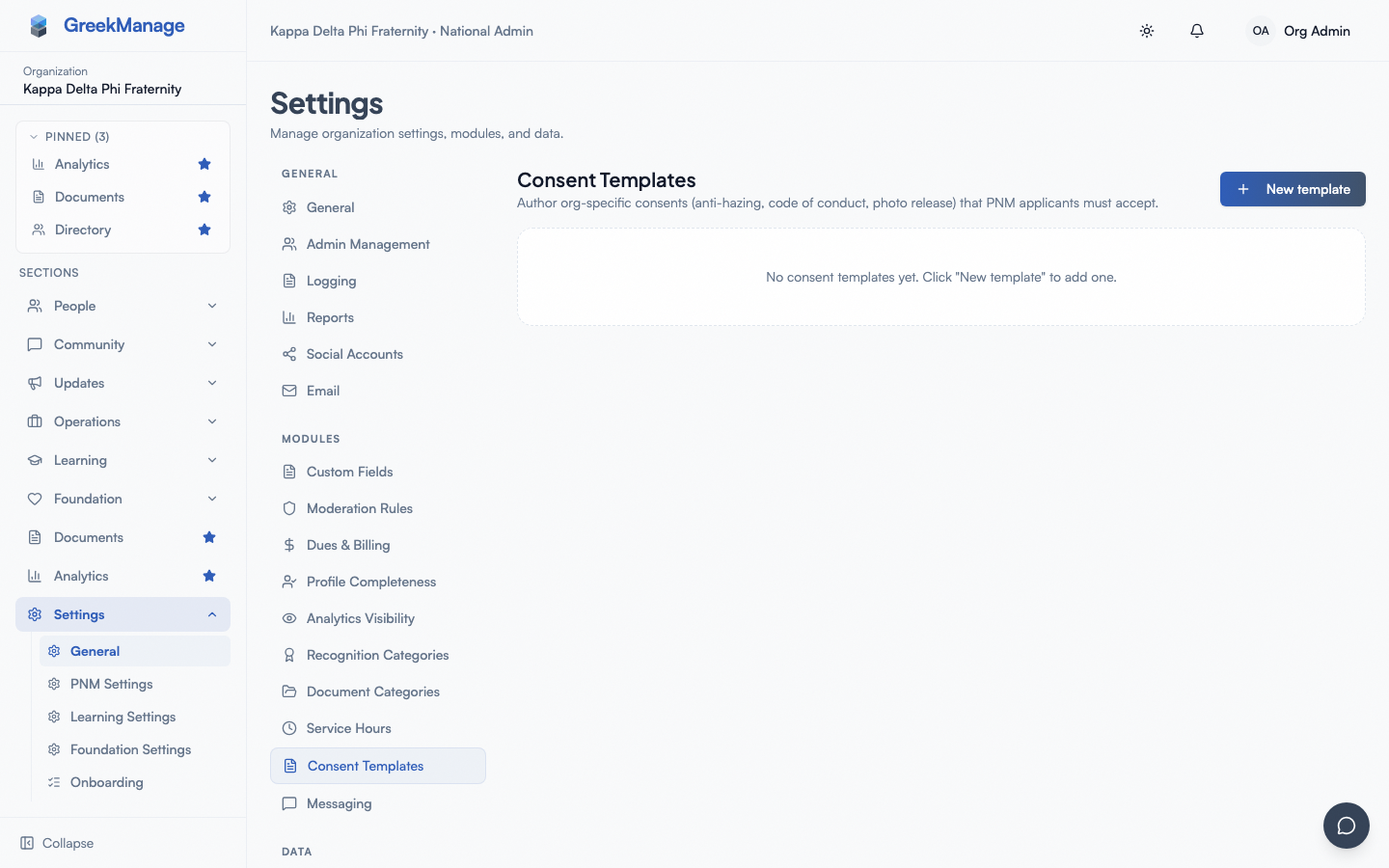 The consent templates list.
Create a template
- Click New template.
- Set:
- Consent type — a snake_case identifier (e.g.,
anti_hazing,code_of_conduct). Referenced internally; not shown to applicants. - Version — free-form string (e.g.,
1.0). Combined with consent type to uniquely identify a template. - Title — what applicants see (e.g., "Anti-Hazing Acknowledgment").
- Body — the consent text in markdown.
- Active — toggle on to make this template available to the PNM apply flow.
- Consent type — a snake_case identifier (e.g.,
- Click Create.
A consent type + version is unique per organization. To revise a published consent, create a new template with the same consent type and an incremented version.
How applicants see consents
When an applicant submits the public apply page, they're presented with each active consent template configured for the org. They check an acknowledgment checkbox per template. Each acceptance is stored against their user record with the template version.
There is no separate drawn-signature canvas or "type your name" step today — acceptance is a click-to-acknowledge model.
Deactivate a template
Click the delete icon on a template card. If the template has existing acceptances, deletion is blocked — toggle is_active off instead (via the create dialog when editing, or via the API) so it stops appearing on future applications.
Tips
- Have legal review your template body before activating. Once an applicant accepts, the acceptance record is durable.
- Version consents when they change. Create a new template with the same consent type and a higher version number rather than editing the body of an existing one — acceptances reference a specific version.
- Keep markdown simple. Short paragraphs and headings render reliably across devices.
Related
- PNM program — where consents are surfaced during application
- Privacy & GDPR
Last verified against v0.62.1 (2026-05-10).