Data export (org-wide)
GreekManage has two distinct export surfaces. Org-wide data export produces a full JSON snapshot of your organization — members, chapters, forums, compliance, finances, and all module data. Member data export is the GDPR/CCPA mechanism by which an individual member requests a copy of their own data. They look similar but have different scopes and audiences.
Org-wide JSON export
What you see
Open Org → Settings → Data Management.
You'll see two cards (assuming Data Export is enabled):
- Export Your Organization's Data — a single button that triggers a new export.
- Export History — paginated history of past exports, with download links for completed ones.
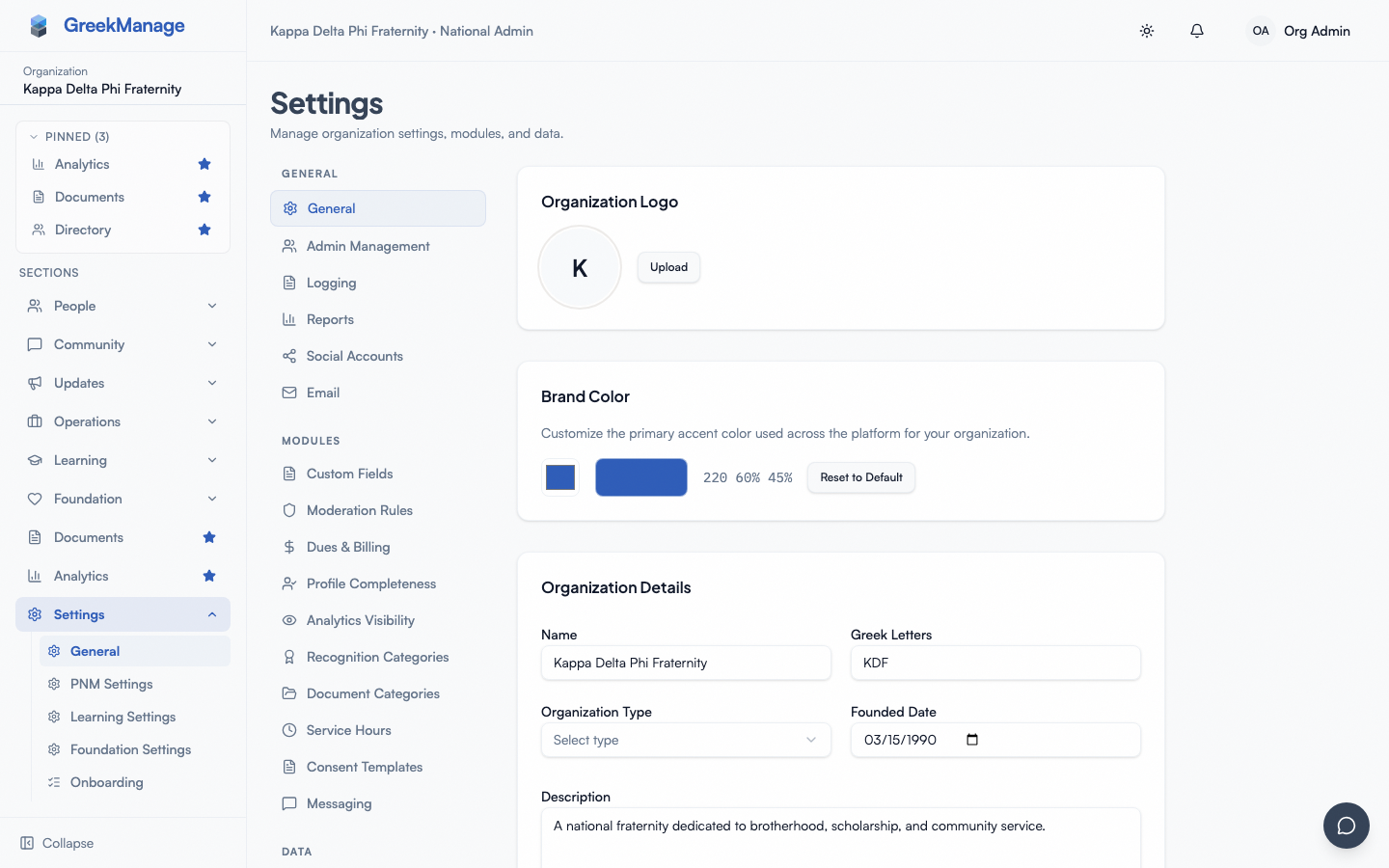 org settings → Data Management with Export card and history
What ends up in the export
A full org export is a single gzipped JSON file (.json.gz) containing your org's records across all enabled modules. Common contents:
- Organization, regions, chapters, memberships, users (in the org)
- Custom fields and saved member views
- Forums, posts, comments, reactions, polls
- Compliance requirements, submissions, evidence URLs
- Foundation funds, campaigns, donations, donors, tax receipts
- Billing periods, invoices, payment records
- Learning courses, enrollments, certificates
- Elections, votes, candidates
- Settings: branding, AI config metadata (no decrypted secrets), module enablement, etc.
Encrypted secrets (AI API keys, processor credentials, identity provider client secrets) are not included in plaintext. Anything that goes through an encrypted field on the model is either redacted or omitted.
Where the export lands
For org-wide exports, the JSON file is written to your org's own object storage bucket — the bucket you configured in Storage configuration. It is not written to the platform's storage. If your org uses the platform-default storage (no custom S3/MinIO configured), it lands in the platform-default bucket, scoped to your org. You retain the file even if you off-board from GreekManage, and you're responsible for that bucket's encryption-at-rest and access control.
How to trigger an export
- Open Org → Settings → Data Management.
- Click Export Now in the Export Your Organization's Data card.
- The card switches to "Export in progress…" while the background job runs. You can close the tab; the job runs server-side.
- When it finishes, the Export History card gets a new row at the top with status Completed, file size, and a download button. Refresh the page if it doesn't appear automatically.
Only one export can be running per org at a time. If you click Export Now while one is queued or running, you'll get a "An export is already pending or running" message — wait for it to finish.
Downloading
Click the row's download button. The system generates a short-lived presigned URL — valid for 15 minutes — and opens it in a new tab. If you don't download within 15 minutes, click the row again to regenerate.
The URL points directly at your storage bucket. Treat it like any other temporary credential — don't paste it in chat, don't bookmark it.
Scheduled vs. on-demand exports
In addition to clicking Export Now, you can configure a recurring schedule directly (v0.63.34). On the org settings page, the Backup Schedule card exposes OrgBackupSchedule: cadence (Weekly / Monthly / Manual), retention_days, and a computed next_run_at. A Celery beat task (dispatch_scheduled_org_exports) walks active schedules and enqueues run_org_export per the cadence. Scheduled exports land in the same history list.
Per-chapter export scope (v0.63.34) — the trigger view accepts an optional chapter_id in the body. run_org_export(chapter_id=...) filters every model with a chapter FK and skips org-only rows; chapter-scoped exports land under org_exports/<org>/chapter_<id>/. The UI exposes a Scope dropdown on OrgExportCard: All org / one specific chapter. The in-flight conflict check is scoped per-chapter, so a chapter sunset doesn't block the org-wide cadence.
Retention — tiered
Org exports accumulate over time. Retention is tiered: a backup is tagged daily, weekly, or monthly based on its age, and the system keeps a fixed count of each tier (defaults: 7 daily, 4 weekly, 3 monthly). A background pruner deletes anything exceeding its tier's count. The exact counts are set by the platform team — if you need longer retention, it's a platform-side configuration change.
Member data export (GDPR / CCPA)
The org-wide export above includes all members' data implicitly. A member data export is the per-user, on-demand subset that an individual member can request for themselves.
Where the member finds it
Members open their own Account Settings → Download My Data. They click Request Export, confirm with their password, and the system queues a background job. They get a notification when the file is ready and a download button appears in the same card.
You cannot initiate this on behalf of another member in v0.62.1. If a member asks for help, point them at Account Settings.
What's in it
A per-user export includes the member's profile, memberships across chapters, forum posts and comments they authored, reactions, poll votes, donations they made, anonymized election vote records, Big/Little requests where they're the member or requester, and notification history. It does not include other members' data or admin/moderator audit logs about them.
Retention — fixed window
Member exports expire 7 days after they're generated. After 7 days the file is unreachable and the card shows status Expired; the member can request a new one. This is the GDPR-compliant fixed window — it's not configurable per org.
What happens to expired exports
Storage is cleaned up on a schedule. Until then, the file may still exist in the bucket but the presigned URL is invalid and there's no UI to regenerate it. Members can always request a fresh export.
What officers see that you don't
Chapter officers do not see either the org-wide Data Management surface or any administrative GDPR export tooling. They can only request their own personal export from Account Settings, the same as any member.
Mobile differences
- Org-wide export. Triggering the export works fine on mobile. The download itself opens the presigned URL in the browser; for a multi-megabyte gzipped JSON file, that's better handled on desktop. Wi-Fi recommended.
- Member export. Account Settings → Download My Data works on mobile; the download is the same direct-link mechanism.
Errors and edge cases
| Symptom | Likely cause | Fix |
|---|---|---|
| "Data export is not enabled for your organization." | Data Export module not licensed. | Ask the platform team to enable it. |
| "Backup configuration is not active" / "Backup storage is not verified." | Platform backup config isn't set up yet. | Platform-side fix — log a ticket. |
| "An export is already pending or running." | A previous export hasn't finished. | Wait, then retry. Don't re-click during the wait — you'll just keep hitting the conflict. |
| Export shows Failed in history. | Underlying storage error, schema mismatch, or transient failure. | Try again. If repeat failure, capture the row ID and contact the platform team. |
| Download button does nothing. | Presigned URL has expired (15 min). | Click the row again to regenerate. |
| Storage bucket cost is higher than expected. | Retention counts on tiered backups + uncompressed sizes for large orgs. | Coordinate with the platform team on lowering daily/weekly/monthly counts. |
| Member's GDPR export says "Expired." | Past the 7-day window. | Member requests a new one. There is no admin-side resurrection. |
Troubleshooting
"I clicked Export Now and nothing happened." If the request returned 403, the Data Export module isn't enabled. 400 means the platform backup config isn't active. 409 means another export is in flight. A successful request returns 202 Accepted with the new history row.
"I downloaded the file but can't open it." It's a gzipped JSON file (.json.gz). Decompress with gunzip on macOS/Linux or 7-Zip on Windows. The decompressed file can be very large — use a JSON-aware editor, not Notepad.
"A member's export expired before they downloaded it." They request a new one. There's no admin override.
"We need an export of just one chapter." No built-in per-chapter export. Workarounds: filter the Members directory by chapter and export CSV; filter Foundation donations by chapter; pull the chapter's compliance dashboards. For a true single-chapter JSON slice, you'd need to process the org-wide export externally.
Related
- Storage configuration — where your org's bucket lives
- Module enablement — turning the Data Export module on/off
- Privacy & GDPR — the broader privacy posture
- Reports, exports & audit logs — broader index
Last verified against v0.63.55 (2026-07-01). Per-chapter export scope + org backup schedule shipped v0.63.34; scheduled exports actually dispatch (beat schedule entry added) v0.63.55.