Engage auto-moderation rules
Auto-moderation rules are regex patterns that scan every new forum post and comment the moment it's submitted. When a piece of content matches an active rule, the system creates a pending flag, marks the content as flagged, and surfaces it in the moderation queue for a human to review. This page covers the rule editor: how rules are configured, what triggers them, what happens when one fires, and how to audit which rule caught what.
For the triage workflow, see Engage moderation overview and the flagged content queue.
Who can manage rules
Only national admins can create, edit, or delete auto-moderation rules. Regional admins, chapter officers, forum admins, and regular members cannot view the rule editor. Rules apply org-wide, so authority to change them sits with the national role.
Forum admins and national admins can still review the flags that rules generate — see the flagged content queue page.
Open the editor
Go to Org → Moderation → Auto-Moderation Rules. You'll see two tabs at the top of the page; the Auto-Moderation Rules tab is the rule editor, and the Moderation Queue tab shows pending and historical flags.
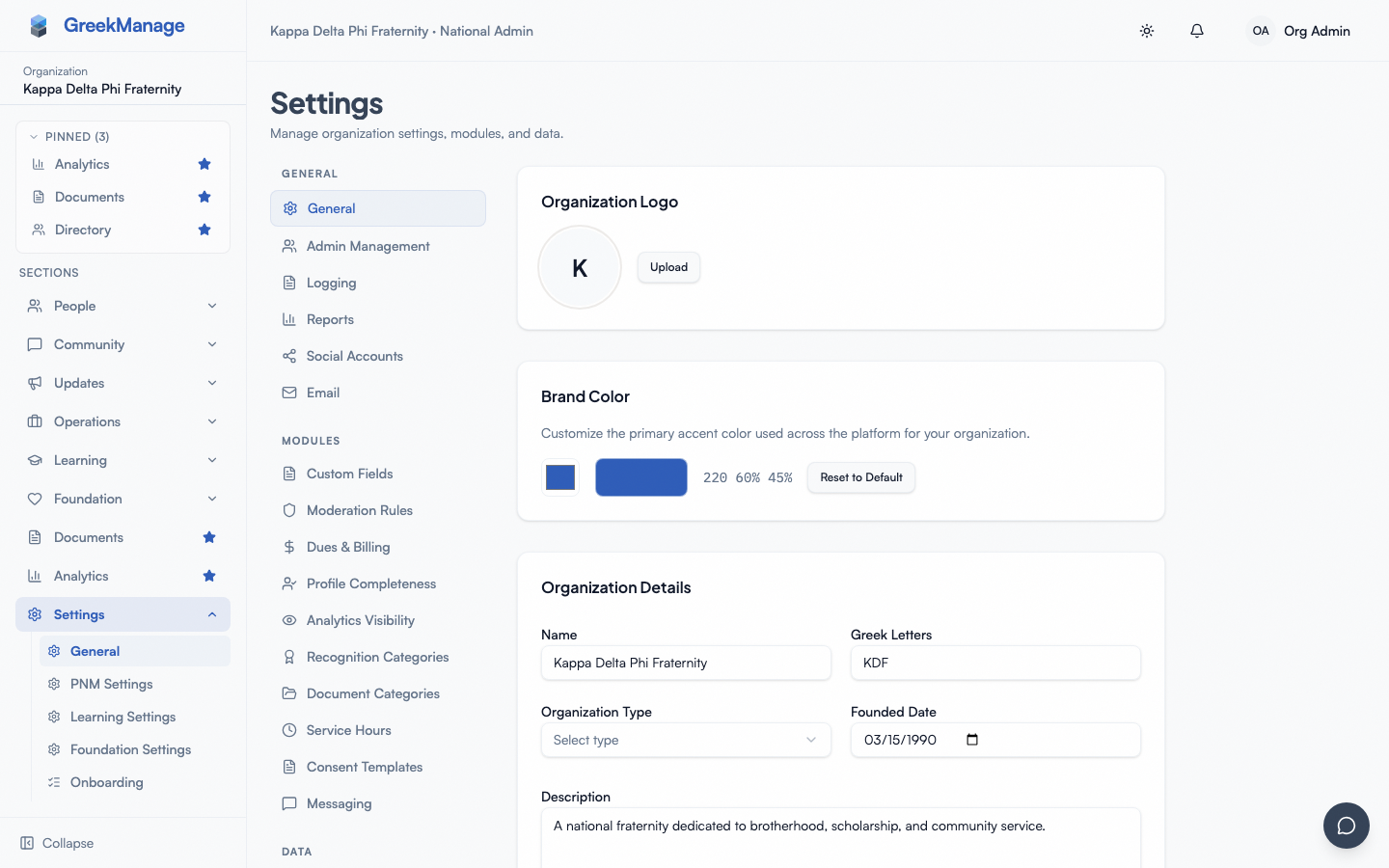 org admin moderation page with Auto-Moderation Rules tab selected showing list of configured rules
The list shows every rule attached to your organization, each with its name, the regex pattern, the optional reason text, and an Active/Inactive badge.
What a rule contains
Each rule has four pieces:
- Name — A short human-readable label. Shows up in the rule list and in the audit trail on each flag. Pick something descriptive like "Profanity filter" or "Phone number leak."
- Pattern — A regular expression matched (case-insensitively) against new content. For posts, both title and body are scanned as one string; for comments, the body is scanned. The editor validates on every keystroke and won't let you save an unparseable pattern.
- Reason — Optional text shown to the moderator triaging the flag. If blank, the system substitutes "Auto-flagged: matched rule 'rule name'".
- Active flag — Controls whether the rule runs. Inactive rules are skipped entirely.
Nothing else is stored on a rule. There are no per-rule actions ("warn vs block"), no severity levels, no content-type selector (one rule applies to both posts and comments), no chapter scoping, no user watchlist, and no rate-limit thresholds. Every rule is one regex that, on match, produces one pending flag.
Add a rule
- Click Add Rule.
- Fill in the Name (required), Pattern (required, the placeholder shows
badword|spam), and Reason (optional but recommended). Use alternation (|) for multiple terms, character classes for shapes like phone numbers, or word boundaries (\b) to avoid catching substrings. - Click Create Rule. It starts running immediately on new content; it does not retroactively flag existing posts.
Edit a rule
Click the pencil icon on any rule row. Change name, pattern, or reason; the pattern is re-validated on save. Edits take effect on the next post or comment. Already-flagged content keeps its original flag record — the edit doesn't re-scan history.
Disable a rule vs. delete it
There are two ways to take a rule out of service:
- Disable (set the rule to inactive) — The rule stays in the list, the regex is preserved, past flag history remains intact, and you can flip it back on later. Use this when tuning a rule or investigating false positives.
- Delete — Removed permanently. Past flags this rule generated stay in the queue with their reason text and timestamp, but the link back to the rule definition is gone.
The create/edit form now includes an Active Switch row (v0.63.16) alongside name, pattern, and reason. New rules default to Active=on; editing a rule pre-populates from its current is_active state. Toggling off disables the rule without deleting it.
How matching works at runtime
When a member creates a post or comment, the system:
- Looks up every active rule on the organization.
- Iterates through them in rule-name order (alphabetical), running a case-insensitive regex search against the content.
- Stops on the first match. As soon as one rule fires, the system creates a single pending flag with the auto source, marks the content as flagged, and exits the loop. Remaining rules are not evaluated.
- If a rule's pattern fails to compile at scan time, that rule is silently skipped and the scanner moves to the next one.
The "stop on first match" behavior matters:
- Order matters when patterns overlap. If two rules would match the same post, only the alphabetically-first one fires.
- One auto-flag per post, not one per rule. Even if a post contains five banned terms across five rules, the system records exactly one auto-flag.
- Member-initiated flags are independent. A post can still accumulate multiple flags from member reports — the first-match rule only governs the auto-scanner.
Where rules apply
Rules scan forum posts and forum comments for the organization. They run on:
- Posts created in any forum belonging to the organization or to one of its chapters.
- Comments on any post in those forums.
- New content only — edits to existing posts do not re-trigger the scanner.
Rules do not scan: chat messages, bulletin bodies, election candidate statements, calendar event descriptions, document uploads, PNM application answers, or any other text fields outside Engage.
Auditing: which rule flagged which post
Every flag in the moderation queue records the reason text, the source (auto or user), and the created-at timestamp. Use the source badge in the queue to filter for auto-flags, then read each flag's reason to see which rule fired. Because the rule name is embedded in the fallback reason text ("Auto-flagged: matched rule 'Phone number leak'"), even rules that have since been deleted leave a readable trail on past flags.
Tuning tips
- Start narrow. A greedy pattern like
.*hate.*catches "graduate," "create," and "decorate." Pin with word boundaries (\bhate\b). - Test in a sandbox first. The form validates that the regex parses, but it doesn't simulate matches against real content.
- Watch the queue for a week after adding a rule. A rule generating dozens of false positives will swamp moderators. Disable and iterate.
- Split distinct concerns into separate rules. One rule per category (profanity, phone numbers, external URLs) gives the queue useful signal.
- Use reason text generously. A clear reason helps queue triagers act faster.
What's deliberately not built
- No rate-limit rule type. The scanner doesn't count posts per hour or @mentions per post.
- No link-allowlist or attachment-type rule type. To block links, the regex itself has to encode that.
- No watchlist of users. Rules apply uniformly to every author.
- No per-chapter override. The rule set is org-wide.
- No "auto-hide on match." Flagged content stays visible until a moderator removes it.
Related
- Engage moderation overview
- Flagged content queue
- Permissions matrix
- Engage forums (member view)
- Module: Community
Last verified against v0.63.39 (2026-06-26). Active toggle in create/edit dialog shipped v0.63.16.