Family Tree & Big/Little (admin)
GreekManage tracks Big/Little lineage as a graph: every member has one big and any number of littles. The family tree visualizes those relationships across all chapters. New relationships go through a multi-tier approval cascade — chapter officers handle most requests, regional admins handle escalations from officers, and you handle the rest.
Where to find it
Org sidebar → Family Tree. Direct URL: /org/family-tree.
The page has two controls at the top: a My Family button that jumps to your own family line, and a Select a family line dropdown listing every root member (someone with no big but at least one little) with their descendant count. Below is a visualization of the selected line — nodes are members, edges run from big to little. Pan, zoom, and click a node to open that member's detail page.
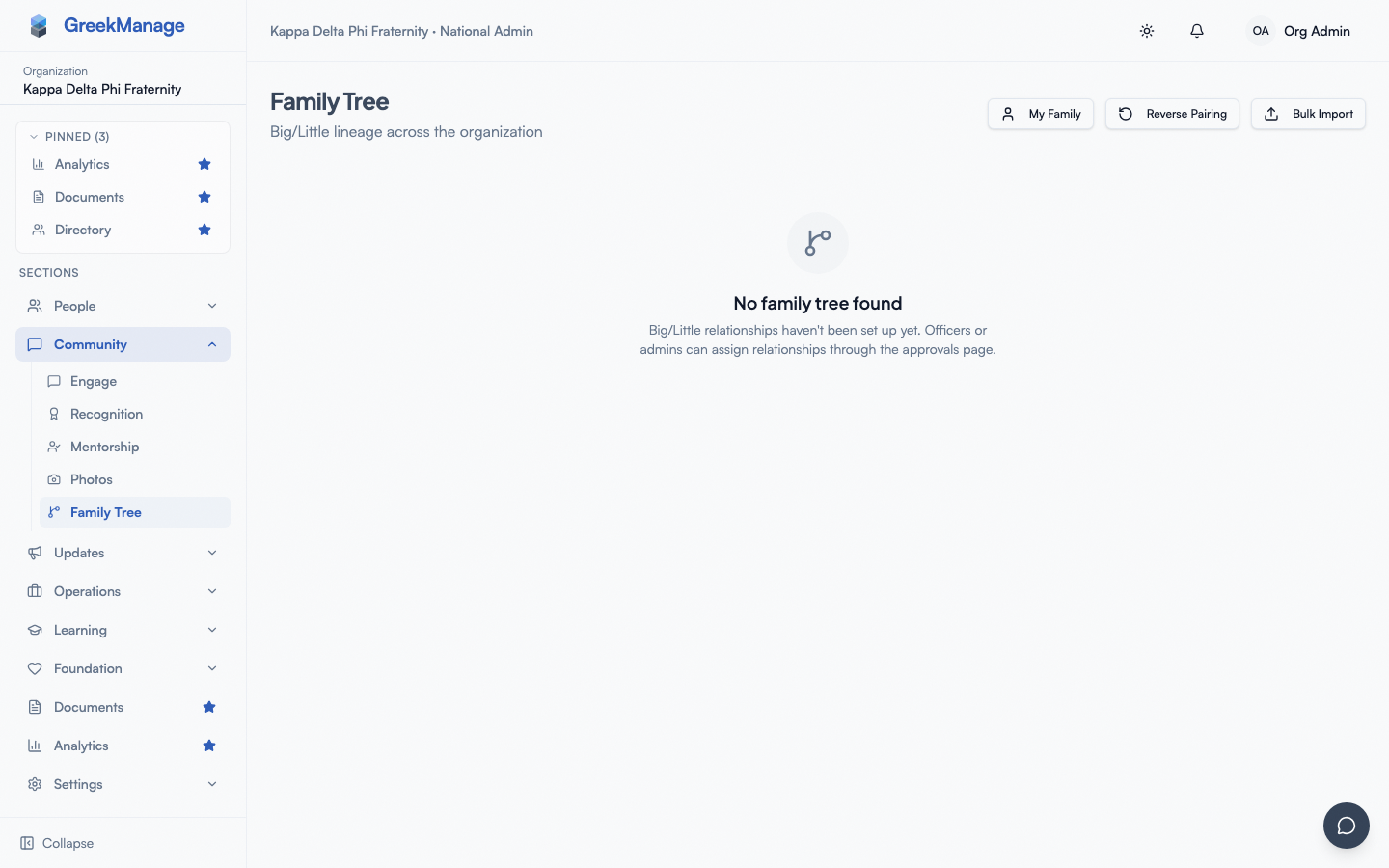 Org family tree with a family line selected, showing big-to-little edges between members.
If no relationships have been set up yet, you'll see an empty state directing you to the Approvals page.
The multi-tier approval cascade
The cascade rule: the entry point for a Big/Little request is the tier above whoever submitted it. A self-request walks up one level. Someone proposing on behalf of someone else (officer or admin acting for a member) skips the cascade and auto-approves.
| Requester | Self-request enters at | On-behalf-of enters at |
|---|---|---|
| Member | Pending Chapter | n/a (members can't propose on behalf of others) |
| Chapter Officer / President | Pending Regional | Approved immediately |
| Regional Admin | Pending Org | Approved immediately |
| National Admin (you) | Approved immediately | Approved immediately |
So as a national admin: when you propose, it's approved on submit. When a regional admin self-requests, the request lands at Pending Org and you're the approver. When a chapter officer self-requests, a regional admin reviews. When a member self-requests, the chapter officer handles it. The escalating user is never allowed to approve their own request, even if their role would normally permit it.
Members can also propose
A correction to older documentation: members can propose Big/Little relationships for themselves. They use a member-side surface (see Family Tree) which submits at Pending Chapter status; officers approve from the chapter approvals view. The flow is symmetric — both members and officers can be the originator; the difference is the entry tier.
Where you approve as the org admin
Org → Approvals → Big/Little tab.
The Approvals page surfaces all pending requests across cascade tiers. Each row shows who the little is, who the proposed big is, who submitted the request, the current pending tier, optional justification text, and Approve/Reject buttons.
You can approve or reject any request whose current tier matches your scope:
- Pending Org: org admins only — that's you.
- Pending Regional: regional admins and org admins.
- Pending Chapter: chapter officers, regional admins, and org admins.
Org admins can act on all three tiers because higher-tier reviewers have a strict superset of lower-tier permissions. In practice, you'll spend most of your time on Pending Org rows.
approvals queue Big/Little tab with a pending request
Approving
Click Approve. The system re-checks the cycle constraint, sets the requester's big on the member's profile, marks the request Approved, notifies both the member and the new big, and writes an audit log entry. The relationship is now live in the tree.
Rejecting
Click Reject. Review notes are required and appear in the notification sent to the member. The request closes with status Rejected; the member can submit a new one.
Cycle detection
The Big/Little graph must remain a forest of trees — multiple roots, no cycles. On submission, the system checks whether the proposed big is already a descendant of the member; if so, the request is rejected before it lands in the queue. The same check runs again at approval time, in case something changed in between. This is rare but possible during concurrent activity.
Reading the family tree visualization
Nodes show member name, chapter designation, and pledge class. Edges go from big to little. The currently-selected user is highlighted. Pan with click-and-drag, zoom with scroll wheel or pinch, and click any node to jump to that member's detail page.
The visualization renders down to a depth of 50 levels from the root, which is well beyond any real lineage — it's a guardrail against accidental cycles or data corruption, not a practical limit.
What officers and members see
- Chapter officers act on Pending Chapter requests for their chapter, and can submit on-behalf-of relationships that auto-approve. They see the org-wide family tree but the approvals queue is chapter-scoped.
- Regional admins see a regional approvals queue covering Pending Regional rows and Pending Chapter rows from their region.
- Members see their own pending requests plus the org-wide family tree. They can propose for themselves only — not for others, and not as reviewers.
If a chapter has no active officer, Pending Chapter requests stay pending. Regional admins should monitor and step in for orphaned chapters.
Mobile differences
- The family tree visualization uses React Flow, which renders on mobile but is awkward — pinch-zoom and pan compete with the underlying scroll gestures. For browsing a large family line, desktop is much easier. The mobile experience is fine for spot-checks (jumping to your own line, navigating to a specific member).
- The approvals queue including Big/Little works well on mobile. Approve and Reject buttons are touch-friendly; the review-notes textbox supports the native keyboard.
- Notifications for new pending Big/Little requests arrive via push notifications on both iOS and Android (if push is enabled).
Errors and edge cases
"Approving this would create a cycle in the family tree." The proposed big is already somewhere in the little's descendant subtree. Reject the request and ask the requester to pick a different big.
"You do not have permission to review this request at its current tier." The request is at Pending Chapter and you're being asked from a context where you don't have national-admin scope. Re-open the request from the org Approvals page and try again.
"You cannot approve your own request." Even though your role normally allows you to approve at the relevant tier, you can never approve a request you submitted yourself. Someone else with scope at the current tier needs to approve.
"A pending big/little request already exists for this member." Members can have only one pending request at a time. Find the existing pending request — either reject the old one before submitting a new one, or wait for it to clear.
A request is stuck "Pending Chapter" with no movement. Probably no active chapter officer is reviewing. As a national admin you can step in and approve directly, or escalate to the relevant regional admin to follow up with the chapter.
A member is showing up with a big who isn't actually their big. Two causes:
- An old approved request set the relationship and was never reverted. A national admin can now click Reverse pairing on the little's member detail page (v0.63.36) to clear the
biglink. Audit-logged. - Test data leaked into production seed.
Troubleshooting
"I need to undo an approved Big/Little relationship." Use Reverse pairing on the little's member detail page (v0.63.36; national admin only). It clears big, audit-logs the action, and lets a fresh request be submitted afterwards.
"The visualization shows wrong chapters / pledge classes." Membership data is rendered alongside the tree. Fix the underlying data from the member's detail page; the tree updates on next refresh.
"I want to bulk-import lineage." Use the Big-Little bulk import action under Org → Members → Big-Little Bulk Import (v0.63.36) with an XLSX or CSV file. Columns: little_email|little_org_member_name + big_email|big_org_member_name. Cycle detection rejects loops; overwrite=true replaces existing pairings. See Big-Little bulk operations for the full spec.
"A member says they never proposed but the system says they did." Audit logs record both the original requester and the reviewer. Open the approvals queue and expand the row's metadata to see the actor. Most often this is a chapter officer who proposed on the member's behalf — a normal flow, not a bug.
Related
- Approvals queue — Big/Little is one of several tabs there
- Family Tree & Big/Little (member) — the member-side perspective
- Audit log retention — every approval and reversal is audited
- Inviting admins — staffing regional admins and chapter officers so the cascade has reviewers at every tier
Last verified against v0.63.39 (2026-06-26). Admin reverse + bulk import + cycle detection shipped v0.63.36.