Messages (admin view)
Messaging is the in-app direct-message and group-chat surface that members use to talk to each other in real time. It carries DMs, custom group chats, and a set of automatically-created chats that mirror your org's structure (one per chapter, one per pledge class, one for the executive board, one per region). This page covers what an admin can configure and what is intentionally not yet wired up.
What an admin actually configures
There is no admin chat moderation queue, no admin search across DMs, and no admin "delete this conversation" tool. The org-level messaging surface has two configurable areas:
- Auto-chat toggles — whether the platform automatically creates and maintains group chats for chapters, pledge classes, the executive board, and regions.
- Attachment policy — the maximum size and the allowed MIME types for files members can attach to messages.
Everything else (sending, reading, reacting, sharing files) happens at the member level on Messages.
Open the messaging settings
Org → Settings → Messaging (v0.63.22+). The MessagingSettingsPanel is now mounted under a dedicated Messaging nav entry in the Modules group of /org/settings, gated by useModuleAccess("messaging"). From here you flip the four auto-chat toggles and change the attachment cap directly — no platform-admin handoff required.
If you don't see the Messaging entry, the messaging module isn't licensed for your org. Platform admins enable it from the org detail page.
The four auto-chat toggles
Each toggle, when on, creates and maintains a single named group chat for that scope and keeps its membership in sync with the underlying org data.
Pledge class chats
When on, the platform creates one group chat per pledge class as the class is set up. Every member of that class is added automatically; new pledges joining the class are added on the next sync. Useful for a class that wants a single thread without having to invite each member by hand.
Executive board chat
When on, the platform creates one group chat for the chapter's executive board. Membership tracks the officer roster — when an officer is promoted, they're added; when they step down or transition, they're removed. New officers see history from the time they join.
Chapter chats
When on, the platform creates one group chat per chapter, with every member of that chapter added. New members joining the chapter are added automatically.
Region chats
When on, the platform creates one group chat per region, with every member of every chapter in that region added.
All four toggles default to off. Turning a toggle on creates the chats and adds members; turning a toggle off does not delete the existing chats — they remain, but the platform stops adding new members as the org evolves.
Attachment policy
Two knobs:
- Maximum attachment size (MB). Defaults to 10 MB. Setting a higher value lets members attach larger files; setting a lower value blocks files above the cap at upload time.
- Allowed MIME types. A list of MIME types members can attach. An empty list means "allow all common types" — image/jpeg, image/png, image/gif, application/pdf, and common document formats. Set the list explicitly to lock down attachments to, say, image only.
What members see
Members see Messages in their sidebar. The page shows:
- A conversation list on the left with unread badges and last-message previews.
- A thread view on the right with the active conversation's messages, organized chronologically.
- A composer at the bottom of the thread with text input, attachment picker, and emoji reaction picker.
- A new conversation modal for starting a fresh DM or group chat.
Members can:
- Send text messages and file attachments.
- React to messages with emoji.
- Reply inline to a specific message (threaded replies).
- See typing indicators when another member is composing.
- See a "Seen by N" read-receipt indicator — stacked initials for up to three readers plus a count, shown under their own most recent message once at least one other participant has read it.
- Mute a conversation so they stop getting notifications for it (the conversation row carries a
is_mutedfield on the per-member side).
As of v0.63.22 members can also:
- Edit their own messages via a hover/long-press action ("More actions" → Edit, inline textarea). Sender-only;
edited_atstamped on save. - Delete their own messages via the same menu (Delete → AlertDialog confirm). Renders inline as "This message was deleted" for all participants.
- Mute a conversation via the Bell icon in the conversation header (per-member, durable across sessions).
What is not in the member UI:
- No per-message reporting / flag-to-admin flow.
- No org-level retention or legal-hold settings. Messages are retained until manually deleted or until a chapter / member is removed.
Members can leave a group chat themselves (the left_at field on ConversationMember records when), and starting a new DM with someone who is in the same org always works.
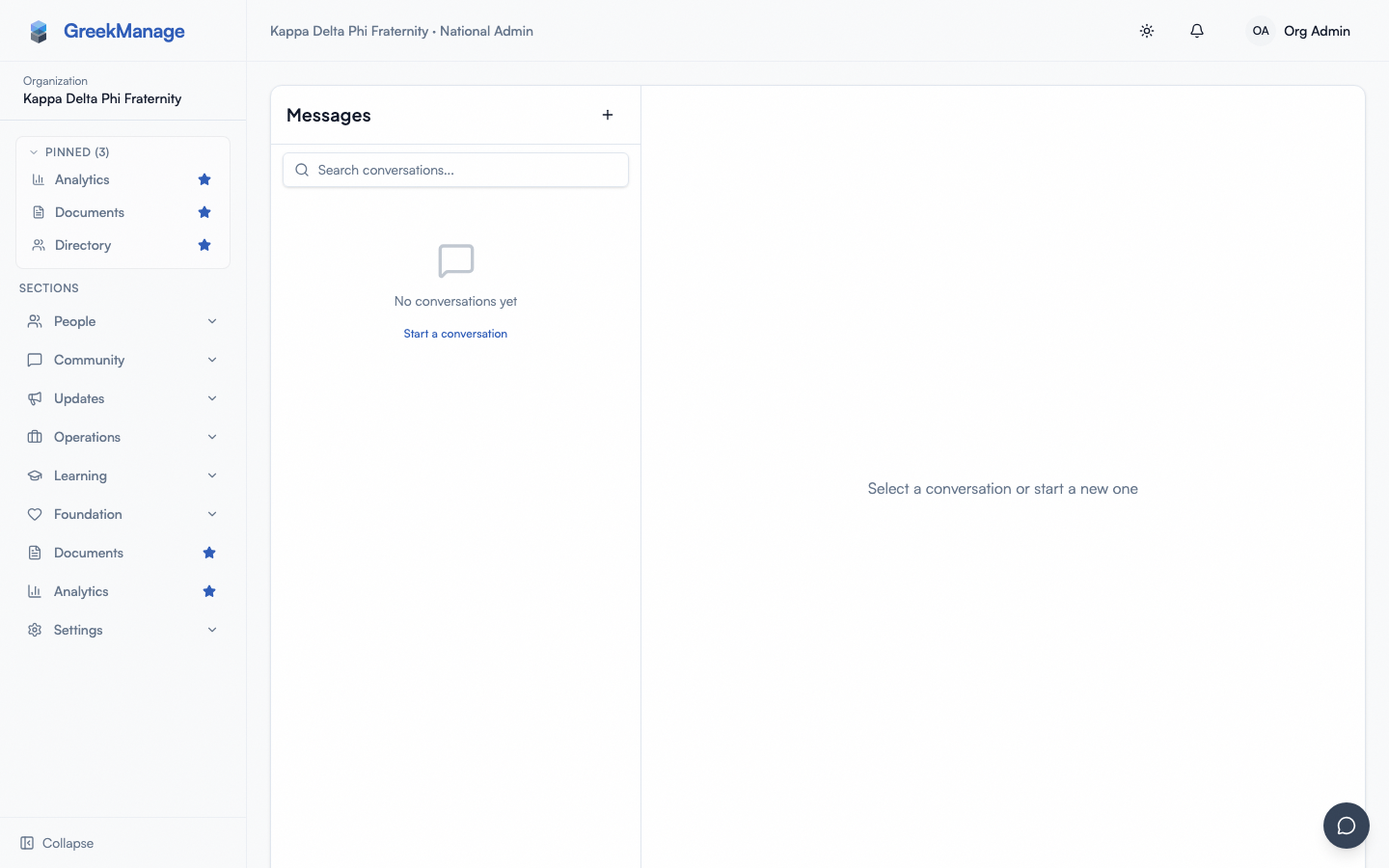 Messages page showing the conversation list, an active thread, the composer, and a typing indicator
Mobile differences
Messaging is built mobile-first. On phones the layout collapses to a single column — the conversation list is the default view, tapping a conversation pushes the thread on top. Real-time delivery uses the same WebSocket connection as on desktop. Push notifications go through the per-user device tokens configured on iOS and Android.
The attachment picker on phones is the native image/file picker. Camera-roll selection works; system file picker works for documents.
What chapter officers see that you don't
Chapter officers use messaging exactly like a regular member. They do not get a chapter-officer moderation view, they cannot read other members' DMs, and they cannot delete messages on behalf of members. If a member reports harassment in a DM to an officer, the officer's job is to escalate to the national admin and to chapter discipline channels — not to take action inside the messaging surface.
Errors and edge cases
- A member can't attach a file. Check the attachment policy. The file size cap defaults to 10 MB; files larger than that are rejected on upload. If your org has a custom MIME allowlist, files of other types are rejected.
- Auto-chat is on but new members aren't getting added. Sync runs on member state changes. If a member's status changed but the auto-chat membership didn't update, ask a platform admin to inspect the membership-sync logs. Recent state changes generally propagate within a minute.
- A group chat exists but is now stale (the auto-chat toggle was turned off). Turning off an auto-chat toggle does not delete the existing chat. The chat continues to exist with its current membership; new members will not be added. Members can leave it themselves.
- Messages from a removed member still show in history. A removed member's messages are not auto-deleted from conversations. The sender becomes a "Deleted account" reference; message text remains.
Troubleshooting
- "A new pledge class wants their own auto-created chat but I can't find the toggle." Open Org → Settings → Messaging and flip the Pledge class chats toggle on — see the four auto-chat toggles above.
- "A member says they're getting messages from a group they should have been removed from." Check the conversation's member list; the
left_atfield is set when a member leaves. If their row is still active, have them tap Leave Chat in the conversation header. - "A member is reporting harassment in DMs." There is still no in-product per-message reporting flow. Treat it like an offline complaint — collect screenshots, follow your standards-board or judicial process, and use the Admin force-disable tools to remove the offending member's access if appropriate.
- "Read receipts seem unreliable." Read receipts are sent over WebSocket when the recipient renders the message in their viewport. If the recipient is on a flaky connection, the receipt may take time to arrive or fail entirely. This is expected.
What's deliberately not built
- No "delete for everyone" (only sender-side delete, which renders as "This message was deleted" for all participants) — see member edit/delete/mute shipped v0.63.22 above.
- No message retention or legal-hold policies.
- No admin search across DMs or group chats.
- No "broadcast to all members" message type — use bulletins for that.
- No threaded conversations beyond inline reply-to (no Slack-style sidebar threads).
Related
- Module: Messaging
- Module enablement — to turn the module on or off for your org
- Permissions matrix
Last verified against v0.65.23 (2026-07-05). MessagingSettingsPanel mounted + member edit/delete/mute shipped v0.63.22; "Seen by N" read-receipt indicator description corrected and stale "auto-chat panel not mounted" / "no admin-side messaging configuration UI" claims removed (both already contradicted by this page's own v0.63.22 note). Stale "No per-user message mute, edit, delete... controls in the member UI" bullet corrected — those are shipped per v0.63.22 note above; only "delete for everyone" remains unbuilt.