Module enablement
GreekManage has a set of optional modules layered on top of the always-on core (chapters, regions, members, settings). Each optional module can be turned on or off per organization. Enabling a module exposes its sidebar entries, settings panels, routes, and API endpoints; disabling hides everything related to it (data is preserved).
The module set
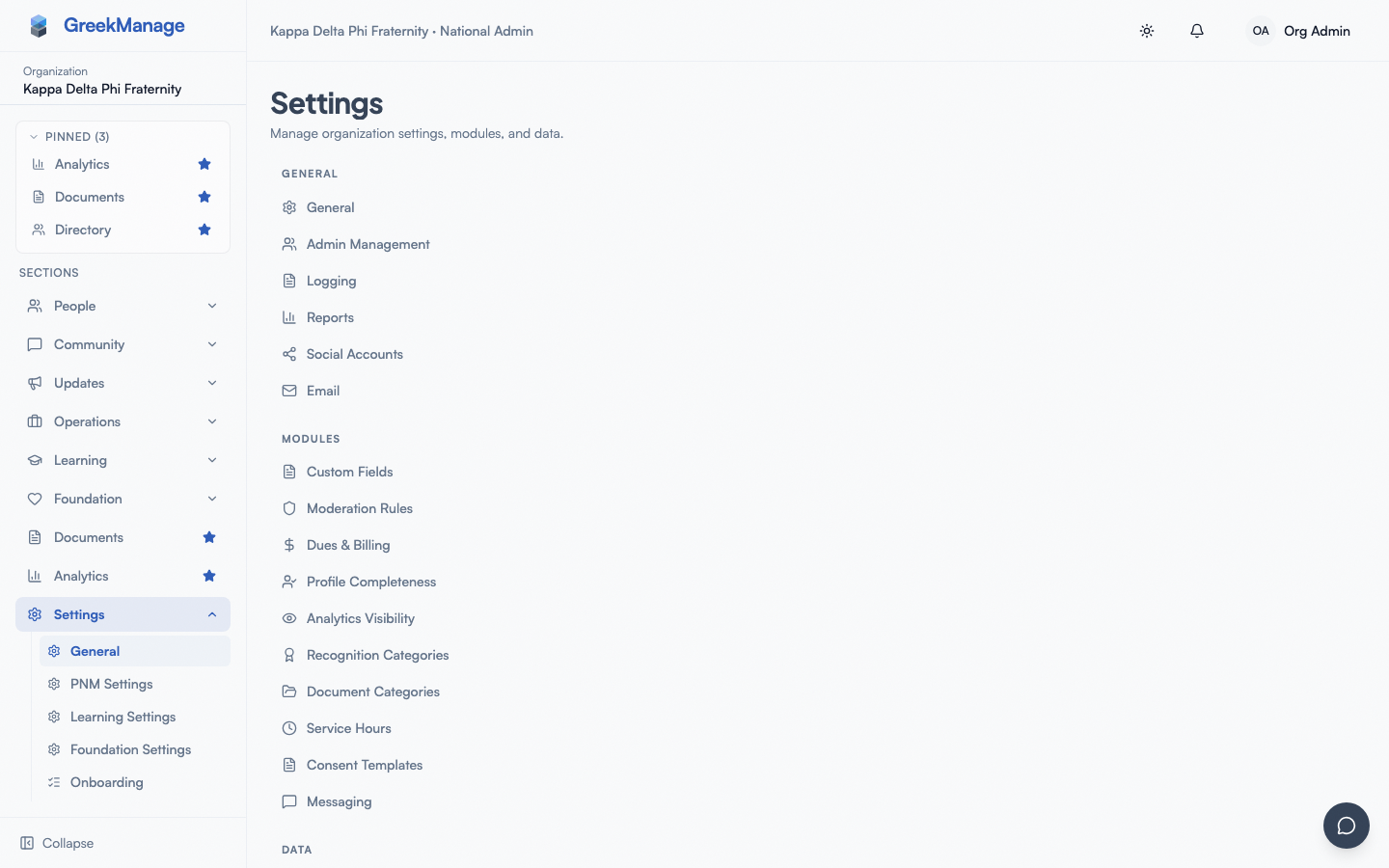 Platform organization detail with the module licensing toggles.
There are nine optional modules in OrganizationModule.ModuleChoices:
| Module key | Label | What it adds |
|---|---|---|
operations | Operations | Compliance, elections, dues / billing, retention, service hours, PNM recruitment |
community | Community | Forums, events, mentorship, albums, recognition |
documents | Documents | Document library |
learning | Learning | Course authoring, quizzes, certificates, assignment rules |
foundation | Foundation | Campaigns, donations, donors, tax receipts |
alumni | Alumni | Alumni directory, career board, mentor profiles |
messaging | Messaging | Direct and group messaging |
ai_services | AI Services | Chatbot, embeddings, AI-powered features |
data_export | Data Export | Per-org JSON exports |
Core modules — chapters, regions, members, settings — are always enabled and not represented by an OrganizationModule row.
How enforcement works
Toggling a module flips OrganizationModule.is_enabled for the org. Enforcement happens at three layers:
- UI — sidebars (
org-sidebar.tsx,region-sidebar.tsx,chapter-sidebar.tsx) hide nav items whosemoduleKeyisn't enabled.<ModuleGuard moduleKey="…">blocks route access on the frontend. - API —
ModuleAccessMiddlewarematches request paths againstMODULE_URL_PATTERNSand returns 403 if the request hits a module endpoint the org doesn't have enabled. - Background — Celery tasks check
is_module_enabled(org_id, module)orget_orgs_with_module_enabled(module)before running per-org work.
Disabling is non-destructive: stored content (forum posts, learning enrollments, donations, etc.) is preserved. Re-enabling restores access.
Note on the platform admin UI
The current platform org-detail page exposes toggles for seven modules (operations, community, documents, ai_services, data_export, learning, foundation). Alumni and Messaging exist in the model and sidebar enforcement but are not yet exposed in the platform toggle UI — they are enabled at platform onboarding.
Pricing
Some modules have subscription cost implications. Confirm with your account team before requesting an enablement change.
Tips
- Don't enable everything on day one. Start with what you'll use; add modules as needs surface.
- Communicate before disabling. "Engage will be turned off next week" gets less pushback than "Engage just disappeared."
- Verify the change after a toggle. Refresh the page and check that sidebar entries appear or disappear as expected.
Related
Last verified against v0.62.1 (2026-05-10).