PNM email verification
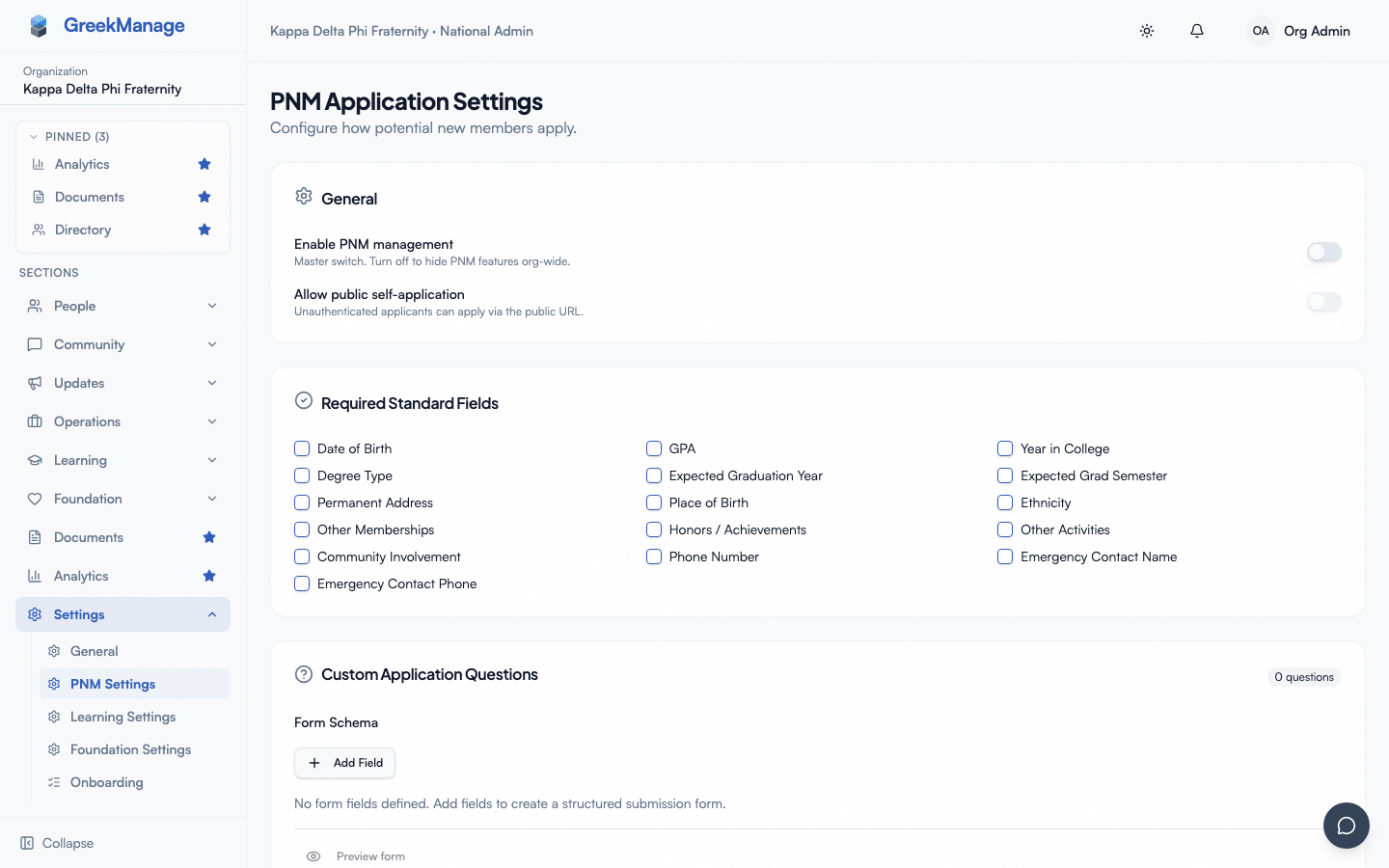
The Email Verification card under Org → PNM → Settings is a single switch that decides whether public submissions must clear a magic-link email confirmation before they're treated as a real application. When enabled, it adds one extra step to the applicant flow and dramatically reduces fake or typo'd email pollution in your queue.
What the switch does
When Require applicant email verification is off (the default), a successful public submission immediately:
- Creates the PNM record in its normal
not_startedlifecycle state - Sends the applicant a confirmation email
- Fires the configured chapter-officer per-application notification, the daily digest entry, and any other routed notifications
- Surfaces the applicant on the chapter and org PNM queues
When the switch is on, the same submission instead:
- Creates the PNM record but holds it in a
pending_email_verificationstate - Issues a magic-link verification email to the applicant
- Does not send the standard applicant confirmation email yet
- Does not fire chapter-officer notifications, regional-admin notifications, or the daily digest
- Does not surface the applicant on the normal chapter and org PNM queues
After the applicant clicks the magic link and the token is accepted, the record exits the pending state, the standard applicant confirmation goes out, and all the deferred admin notifications fan out as if the submission had just landed. From the admin's perspective, the application appears at verification time, not at submission time.
The verification token
The magic link in the email looks like:
https://[your-app-domain]/pnm/verify/<plaintext-token>
The token is a 32-byte URL-safe random string. As with reference letter tokens, only a SHA-256 hash is persisted on the PNM record — the plaintext is never stored — and the token is single-use. Clicking the link a second time after the first successful verification returns a "link not found" state.
The default expiry is 48 hours from the moment the verification email is sent. After expiry, the link returns a 410 expired response and the applicant must resubmit to get a fresh link. There is no admin-facing "resend verification" control today; if a legitimate applicant misses the window, they re-submit the application.
The four token states the applicant can hit
The verification landing page renders one of four states based on the token's condition: verified (success — "You're all set" with the chapter name), missing token (URL navigated to without a token; rare), unknown or already-used (a tampered URL, a deleted record, or the common case of a second click after first success), and expired (token issued more than 48 hours ago). Expired and unknown have distinct copy, so a returning applicant who waits too long sees "expired, please resubmit" rather than an alarming "not found."
What verification actually buys you
Three things, in rough order of how often they matter:
- Filters out typos. A real applicant who types
gmial.comwill never get the verification email and will silently fall off — far better than landing a malformed email in your chapter queue and having the officer waste cycles trying to reach them. - Filters out bots and spam. Automated submissions that don't poll mailboxes for verification links can't reach a verified state. The chapter queue stays clean even under low-level scraper traffic.
- Provides a soft proof of liveness. A verified email is one the applicant could read in real time at the moment of submission.
Verification does not unlock additional rate-limit headroom — the apply submission throttle (per IP and per email) applies the same whether verification is on or off.
When to turn it on
Recommended on for most orgs. The cost is one extra step for the applicant; the benefit is a measurably cleaner queue and a defense against fake submissions.
Reasonable to leave off in three cases:
- You're running a controlled in-person recruitment event where applicants type their email under a chapter officer's supervision, the URL is shared verbally, and bot traffic is implausible.
- You're testing the apply flow during development and want to skip the email round-trip.
- Your applicants disproportionately use a mail provider with aggressive deliverability filtering (some campus mail systems, for instance) where verification emails get dropped — the friction of "didn't receive the link" support tickets outweighs the upside.
You can toggle the switch mid-period. Submissions made under the old setting are not retroactively re-evaluated: a record that submitted while verification was off stays in its normal state even after you turn verification on; a record stuck in pending_email_verification when you turn verification off does not auto-promote. If you flip the switch off mid-cycle, deal with any pending-verification records by hand (mark them verified administratively if the applicant is legitimate, or delete if not).
What admins see in the queue
Records in the pending_email_verification state are hidden from the normal chapter PNM queue by default — that's the whole point of the gate. They are still visible to org admins via the PNM queue's filter controls, where a Pending email verification filter shows the held set. Use this filter to debug "did my submission get through?" support questions from applicants.
A record that times out without verification (older than 48 hours) sits in the same pending state indefinitely — there is no automatic cleanup task. Org admins can either delete the stale records or leave them as audit trail; both are valid choices depending on your retention policy.
 PNM detail - pending email verification state
Interaction with reference letters
When verification is enabled, the reference-letter invitations are also deferred until the applicant verifies. This is important: if you fire referrer emails before the applicant has proven the address, a bot can spam dozens of referrers with one quick form submission. Holding the entire fan-out (admin notifications, applicant confirmation, referrer invitations) behind verification closes that abuse vector.
Once verification succeeds, all the deferred work fires in a single fan-out — admin notifications, applicant confirmation, and reference-letter invitations all dispatch together.
Rate limit on the verification endpoint
The verification endpoint itself is rate-limited per IP to defeat token-brute-force scans. Legitimate applicants click their link once or twice and are nowhere near the limit; bots probing the token space stop at a few attempts per hour.
Related
- PNM reference letters — same token primitives; reference invitations are deferred when verification is on
- PNM notification routing — admin notifications are deferred until verification succeeds
- PNM admin onboarding — first-hour walkthrough
- Applying as a PNM — public-side experience including the verification step
Last verified against v0.62.1 (2026-05-10).