PNM GPA gate
The GPA Gate card under Org → PNM → Settings lets you set a minimum GPA threshold. Applicants whose submitted GPA falls below the threshold are flagged for review — they are not blocked from submitting and not auto-rejected. The flag exists so admins notice the application without the system making the decision for them.
Most orgs use the gate as an attention-getter rather than a hard cutoff, since GPA edge cases (a great applicant in a hard major, a transfer with one bad semester, a quirk of how the applicant entered the value) almost always deserve human judgment.
What "soft flag" means in practice
When the gate is enabled and an applicant submits a GPA below the threshold:
- The submission succeeds. The PNM record is created normally and lands in the chapter queue alongside every other submission.
- The applicant's record is marked with an internal auto-flagged indicator. The applicant never sees it; admins do.
- The PNM list views (chapter, region, org) show a visible warning badge on flagged rows so admins can scan the queue for review-worthy applications without opening each one.
- The applicant does not receive a different confirmation email. Their post-submit experience is identical to that of an unflagged applicant.
Nothing happens automatically beyond the flag. Admins still review, approve, and reject by hand. The gate is a hint, not a decision.
Configure the gate
- Open Org → PNM → Settings → GPA Gate.
- In Minimum GPA, enter a number between 0.0 and 4.0. Two decimal places of precision are accepted.
- Leave the field blank to disable the gate entirely.
- Click Save in the sticky bar.
The input is clamped to the 0.0–4.0 range; values outside that bracket are rejected with a clear error.
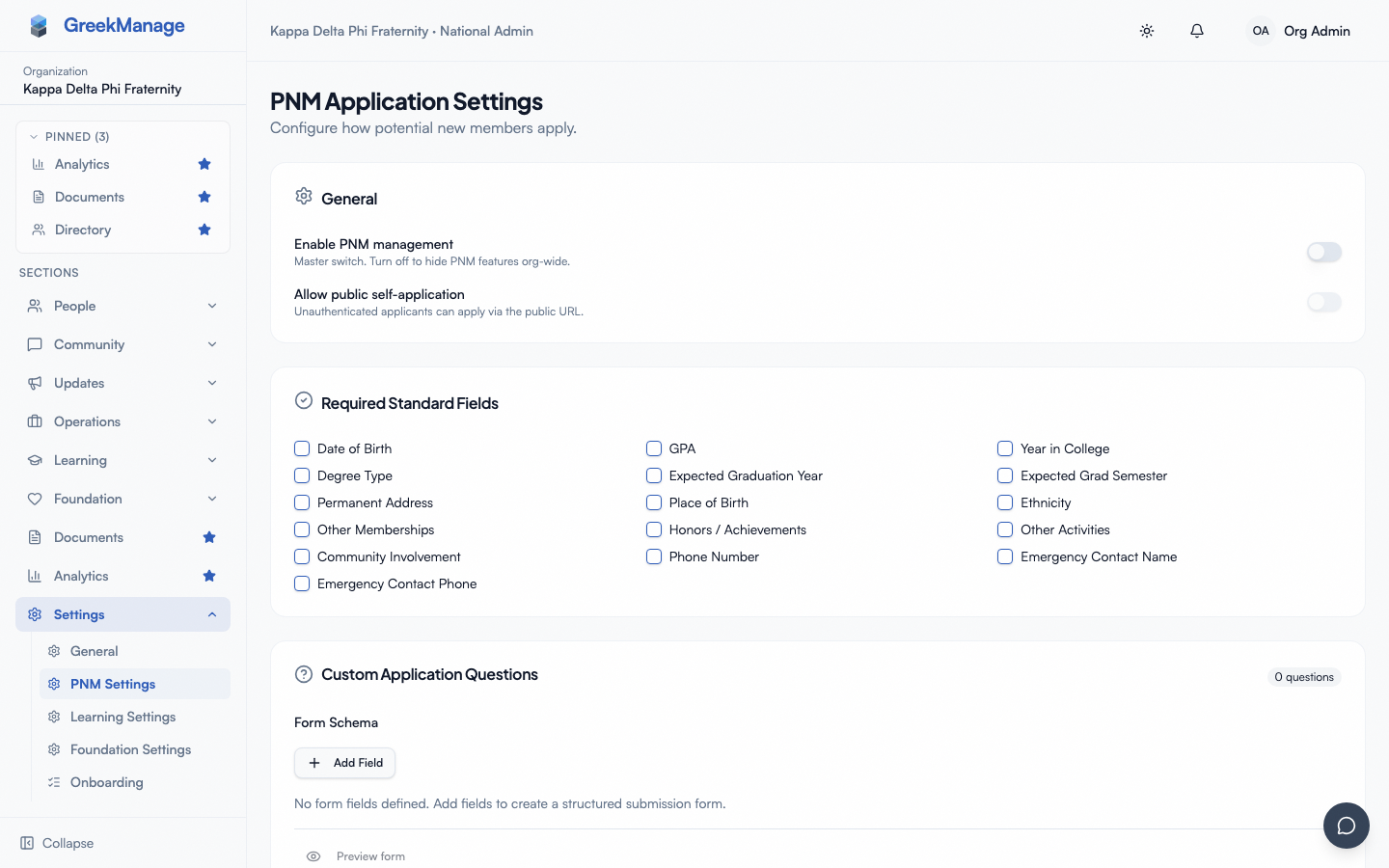 PNM settings - GPA Gate card with threshold input
How the threshold is compared
The gate compares the applicant's submitted GPA against your configured threshold with a simple "less than" — a 2.49 submission against a 2.50 threshold flags; a 2.50 submission against a 2.50 threshold does not flag. The comparison is decimal-precise (2.499 vs 2.50 flags), so don't lose sleep over rounding.
There are three scenarios where the gate does not fire even when configured:
- No GPA on the submission. If the applicant did not enter a GPA (because the GPA standard field is optional in your config and they left it blank), there is nothing to compare and no flag is set.
- Gate disabled. When Minimum GPA is blank, the comparison is skipped regardless of GPA values submitted.
- GPA edited after submission. The flag is set at the moment of submission and is not recomputed if an admin later edits the GPA value on the detail page. If you change a GPA after the fact, the flag does not automatically clear; an admin needs to clear it manually if your workflow calls for it.
What admins see when an applicant flags
On the PNM queue (chapter, region, or org view), flagged rows show a warning badge — often a yellow or amber marker — that distinguishes them from unflagged rows. The badge is visible in both the table view and the card view. A queue filter for "Flagged only" lets admins triage the gate-flagged subset.
On the PNM detail page, the flag surfaces in the Status section near the top. The flag does not block any action — admins can approve, reject, transition lifecycle, request reference letters, or do anything else they would do with an unflagged record.
When an admin transitions a flagged PNM to approved, the flag persists on the record as historical context. There is no separate "GPA-exception" review queue today; the queue badge is the only visual.
When to set the gate (and when not to)
The gate is most useful when:
- Your org has a published minimum GPA policy and you want to make sure no applicant slips through review without a human eyeballing the academics
- You expect a high enough volume of applications that admins can't realistically open every one to check GPA
- You want a discoverable artifact (the flag) that survives in the record for later audit
The gate is less useful when:
- Your org has no GPA policy or evaluates academics holistically
- Application volume is small enough that admins review every record anyway
- You'd rather use custom application questions to capture richer academic context (e.g., a major-specific GPA, a transfer-aware cumulative)
A common mistake is to set the gate at the exact value of the org's GPA policy and forget to require GPA as a standard field. The result is a gate that fires on a fraction of submissions but is silently bypassed by anyone who leaves GPA blank. Pair the gate with a required GPA standard field if you want full coverage.
Calibrating the threshold
Pick a value that flags submissions you'd actually want to review — not necessarily the org's hard policy. If your formal minimum is 2.50 but you'd want to scrutinize anyone below 2.75, set the gate at 2.75. The flag is cheap; admins can scan and clear flagged rows quickly.
Conversely, setting the threshold too high (say 3.50 against a 2.50 policy) generates noise — most of the queue is flagged, which defeats the visual signal. Aim for a threshold that flags a small minority of submissions.
Effects beyond the queue badge
The gate does not block submission (the applicant never learns their GPA was insufficient), does not trigger a distinct notification shape (the chapter-officer email and daily digest treat flagged and unflagged applicants identically), does not affect completion percentage, and does not influence the Intake Rules completion threshold. Each of these absences is deliberate — the gate is a single signal, not a behavior-changing rule.
Removing the gate
Clearing the Minimum GPA field disables the gate going forward. Records flagged under a prior threshold keep their flags — there is no retroactive un-flagging. If you want to clear historical flags after disabling the gate (because you no longer trust them), an admin needs to update each flagged record manually, or you can leave the flags in place as historical context.
If you change the threshold (rather than disabling it), the same rule applies: new submissions are evaluated against the new threshold, but historical flags do not move.
Related
- PNM required fields — make GPA a required standard field if you want the gate to apply to every submission
- PNM application questions — capture richer academic context as custom questions
- PNM admin onboarding — first-hour walkthrough
- Applying as a PNM — public-side experience
Last verified against v0.62.1 (2026-05-10).