PNM periods
A PNM period is the org-wide recruitment window that bounds a cycle of applications. Every PNM record is attached to one period; queues, reports, and the public apply page all gate behavior on which period is currently active. This page walks through the period lifecycle, the period fields you set, and the rules that govern how periods interact with the rest of the module.
Why periods exist
Periods serve four purposes: they scope every PNM application to a single cycle for clean year-over-year reporting; they gate the public apply page (the form shows only while your newest Active period is inside its open/close window; otherwise the page renders the closed state, see PNM public page); they coordinate org-wide rush since periods are always org-wide and all chapters rush together; and they triage close-of-cycle work by auto-inactivating non-crossed PNMs on close.
The three statuses
A period moves through three statuses:
- Draft. Created but not yet live. Admins can edit every field. The public apply page treats a draft period as if it didn’t exist (i.e., the page is closed).
- Active. Live — if it is your newest
Activeperiod. The public apply page accepts submissions for it while the current time is within its open/close window. An olderActiveperiod takes no applications; see Multiple concurrent periods. - Closed. Done. The public apply page renders the closed state with this period’s closed message. Non-crossed PNMs in this period are marked inactive on their underlying membership; crossed PNMs (who became full members) are left alone.
The flow is one-directional in normal operation: Draft → Active → Closed. You can move backwards (e.g., re-open a closed period) but it’s rare and unusual. Re-opening a period, like any change to Active, is refused while another period is Active.
The fields on each period
- Academic year — an integer (e.g.,
2026). Combined with semester, this is the human-readable name for the cycle. - Semester — one of
Fall,Spring, orSummer. - Status —
Draft,Active, orClosedas described above. - Open date — optional timestamp (UTC). When set, the period is treated as “not yet open” until this moment, even if its status is Active. Leave blank to mean “open as soon as Active.”
- Close date — optional timestamp (UTC). When set, the period is treated as past its close window after this moment, even if its status is still Active. Leave blank to mean “open until status flips to Closed.”
- Closed message (Markdown) — content shown on the public apply page when no period is active, drawn from the most recently closed period. Set it on each period so the public page has a coherent closed-state message after this period ends.
The combination of (organization, academic year, semester) is unique — you cannot create two Fall 2026 periods under the same org. If you need to rerun an aborted cycle, close the original and pick the next semester or year.
Creating a period
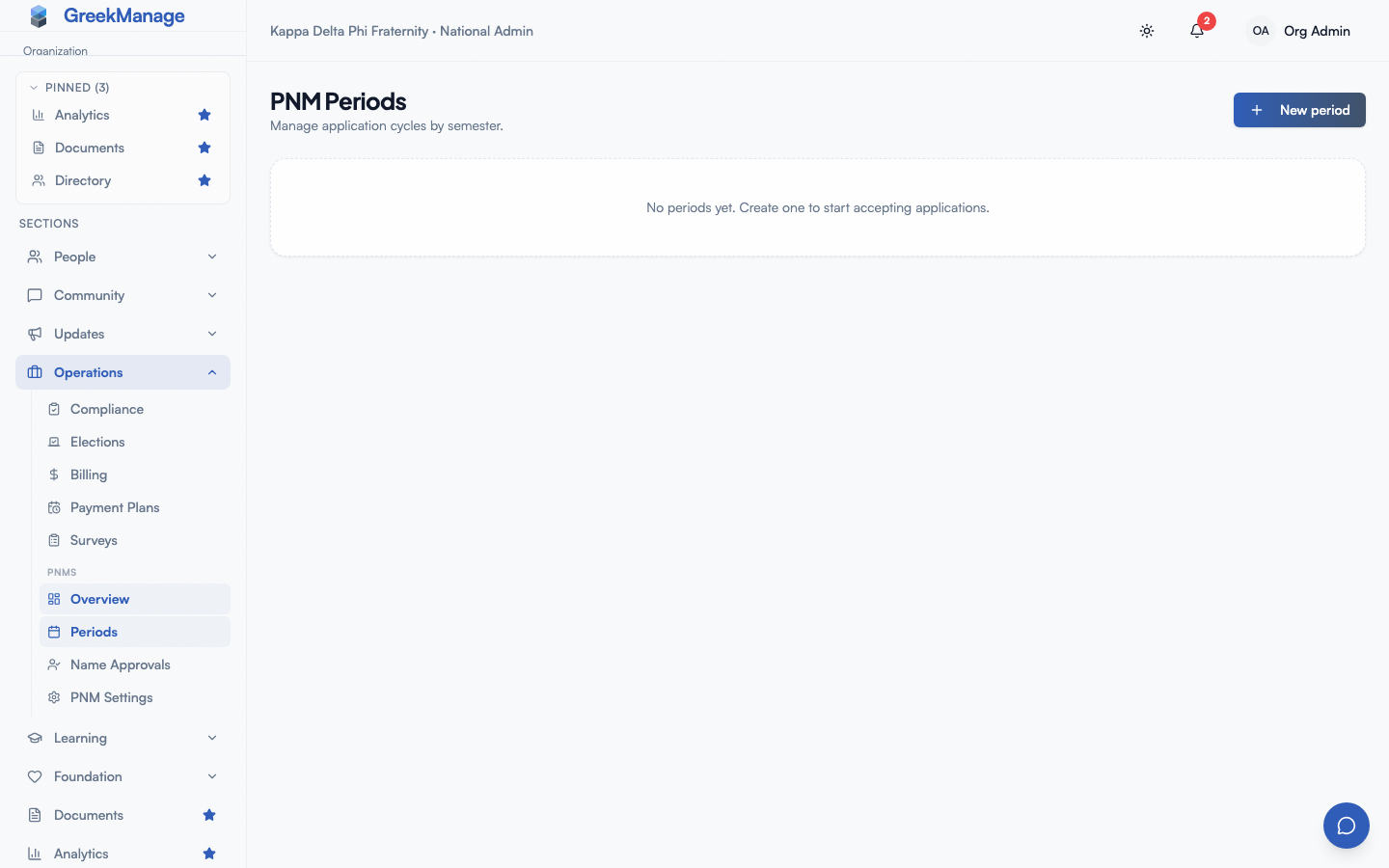
- Open Org → PNM → Periods.
- Click New period.
- Set academic year, semester, status, optional open/close dates, and the closed message.
- Save.
A period created in Draft is harmless — it doesn’t affect the public apply page or any other surface until you transition it to Active.
Creating a period as Active is refused while another period is Active, and the message names that period. Create the new one in Draft and switch it to Active after you close the other.
 PNM periods - create form
Multiple concurrent periods
Only one period can be made Active at a time. This screen and the Semester Setup wizard both refuse to make a period Active while another one is, and the message names the Active period, so close it first. If your organization already had more than one Active period before this rule, they are left as they are and you can still edit them, but only one of them is ever used: the newest — the period for the latest term, which is the first Active period in the list on this screen (the list runs newest first, for example Summer 2027, Spring 2027, Fall 2026). The public apply page shows the form, and accepts applications into that period, only while the current time is between its open and close dates. A blank date sets no limit on that side.
An older Active period never opens the page, even when today falls inside its own dates. If the newest Active period has not reached its open date, or its close date has passed, the page is closed, whatever any other Active period’s dates say. The PNM → Settings banner follows the same rule.
Run one Active period at a time. When a new cycle starts, close the previous cycle’s period. You can set up next term’s period early in Draft; make it Active after you close the current cycle’s period. If your organization still has more than one Active period, close the ones you no longer use.
Closing a period
When you transition a period from Active to Closed:
- The period’s status is updated.
- Non-crossed PNMs attached to the period — applicants in any intake state other than
completed— have their underlying membership status set to inactive. This keeps the directory clean of stalled applicants from prior cycles. - Crossed PNMs (intake status
completed) are untouched — they’ve already been promoted to full membership and are real members of the chapter. - The period’s page keeps its counts. Not Started, Approved, In Progress, Crossed, Rejected and Discontinued still show how many applications ended at each status. The applicants who had not crossed are no longer listed under Applications, because they are now inactive.
- The public apply page picks up this period’s closed message as the new default closed-state copy.
Closing is the right action at the end of a cycle even if there are stalled applicants in the queue. The auto-inactive behavior is by design — admins shouldn’t need to hand-clean each non-crossed PNM. If you want to keep a stalled applicant around for a future cycle, transition them through the intake states (or to rejected) before closing.
Deleting a period
Periods with no attached PNMs can be deleted outright. Periods that have attached PNMs are protected — deleting them would orphan the PNM records, which is never what you want. The protection surfaces as a conflict response with a clear message: “Period has attached PNM applications. Close the period instead of deleting.”
In practice this means most periods, once they have any real submissions, live forever as historical records. This is fine — they are cheap to keep, and they preserve the audit trail.
Cross-period applicant transfer
There is no built-in cross-period transfer today. A PNM record is permanently attached to the period that was active at the moment of submission. If a stalled applicant resurfaces in a later cycle, the right path is:
- The new cycle’s period is active.
- The applicant resubmits on the public apply page. A fresh PNM record is created under the new period.
The original PNM record stays attached to the original period as historical context. Admins reviewing the new record can see (via the user account, since both PNMs share an underlying user) that the applicant submitted previously.
Manual database surgery to move a PNM record between periods is possible but unsupported — it bypasses the lifecycle guards and can produce odd reporting.
Naming conventions
Academic year is a calendar integer — most orgs use the year the cycle begins (Fall 2026 and Spring 2027 are often both academic year 2026, but use whatever your org talks about). Semester is fall, spring, or summer. Reports and exports use the academic year + semester combination as the human-readable period name, so stay consistent in how you name periods.
What you cannot do today
You cannot run a per-chapter period (all chapters in an org rush together), rename a period in a way that changes its identifying triple of org + year + semester, bulk-transition PNMs between periods, or set a global closed message that overrides the per-period one. Each period’s closed message is what the public page shows when that period is the most-recently-closed.
Related
- PNM public page — slug and welcome / thank-you markdown; the public page reads the active period for its open-or-closed decision
- PNM admin onboarding — first-hour walkthrough including period creation
- PNM program — overall module reference
- Permissions matrix — who can manage periods
Last verified against v0.62.1 (2026-05-10). Recruitment-period rule corrected 2026-10-11. Second Active period refused from 2026-10-12.