PNM reference letters
The Reference Letters card under Org → PNM → Settings lets you require each applicant to supply between one and five named referrers, each of whom receives a single-use magic-link email and submits a brief letter through a public portal. The system manages token issuance, expiry, resend, and review automatically.
This page covers the full flow end to end: configuration, what the applicant sees, what the referrer sees, how letters are reviewed, and the security properties of the magic-link tokens.
Configure how many letters are required
- Open Org → PNM → Settings → Reference Letters.
- Set Required reference letters to the number you want — 0 disables the flow, and 1 through 5 require that many.
- Save.
The same number applies to every applicant in the org. There is no per-chapter override and no way to require, say, "two letters but a third is optional" — the count is exact.
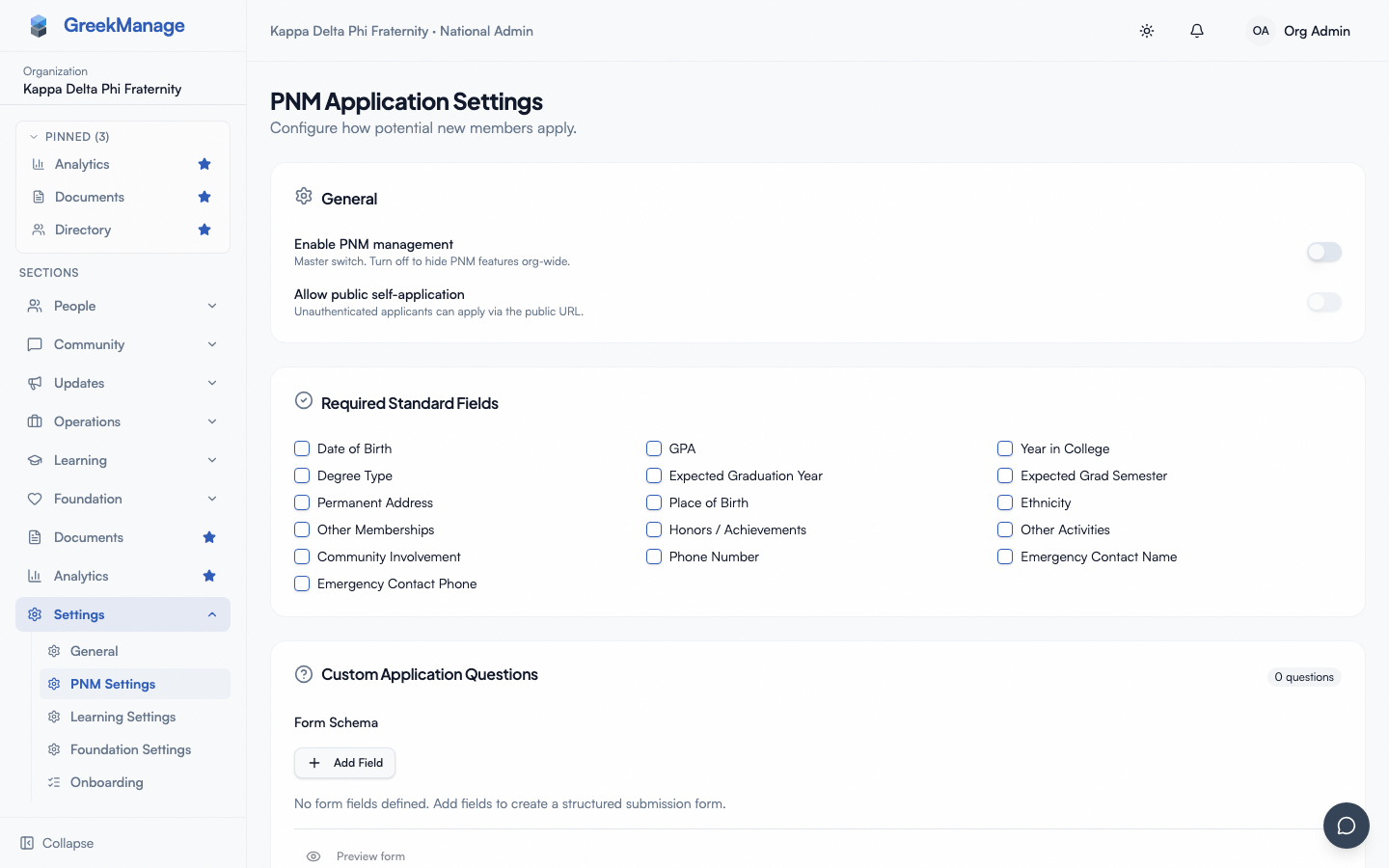 PNM settings - Reference Letters card with count input
What the applicant sees at apply time
When the required count is greater than zero, the public apply page renders a Reference letters section with the configured number of email + name input pairs. The applicant must supply a unique email for each slot, avoid using their own email as a referrer, and fill every slot — partial completion is rejected. The name field is optional; many applicants leave it blank, which is fine. Validation failures (missing emails, duplicates, the applicant's own email used as a referrer) return a clear error and the applicant can correct without losing other field state.
The token issuance flow
The moment an applicant submits successfully (and, if email verification is enabled, after they verify their email), the system creates one reference-letter record per referrer and emails each one a magic link of the shape https://[your-app-domain]/reference/<plaintext-token>. The token is a 32-byte URL-safe random string generated server-side. The plaintext is never persisted — the database stores only a SHA-256 hash, so a leaked database dump cannot be used to construct valid reference links. Tokens are single-use (a submitted letter's token no longer verifies) and expire after seven days.
What the referrer sees
The referrer clicks the link in their email and lands on the public reference portal. The portal renders one of four states depending on the token's condition:
- Pending and valid (200). The referrer sees the applicant's name, organization, chapter name, the deadline (token expiry), and a form. The form accepts a textarea letter and an optional file upload.
- Already submitted (409). The portal shows a friendly "this reference has already been submitted, thanks for your time" message. The original letter is not exposed to the referrer.
- Expired (410). The portal shows a "link expired" message and instructs the referrer that the applicant can re-send. No form is rendered.
- Unknown token (404). The portal shows a generic "link not found" message. The same response shape is returned for a tampered token, a deleted record, and a never-issued token — this is intentional to avoid leaking token-existence information.
A submitted letter must be at least 50 characters. Shorter submissions are rejected with a clear message; the referrer can edit and resubmit without losing state. An optional file attachment can be included alongside the textarea.
The public reference endpoints are rate-limited per IP to defeat brute-force scraping of the token space — a far-fetched but cheap defense.
Resending an invitation
If a referrer says they never got the email, hits the link after expiry, or simply needs a fresh start, admins can resend the invitation from the References section on the PNM detail page:
- Open the PNM detail page (chapter or org view).
- Scroll to References. Each pending letter has a Resend button.
- Click it.
The resend action mints a brand-new token, replaces the stored hash on the existing letter record, resets the expiry to seven days from now, returns the record to Pending status, and queues a fresh invitation email to the same referrer email. The old link, if anyone still has it, no longer works.
Resend is available only for Pending letters. Letters that have already been submitted return a conflict response — once a referrer has provided a letter, the only path forward is to delete that letter and request a new one.
What admins see when reviewing letters
The References section on the PNM detail page lists every letter for that applicant. Each row shows:
- Status badge — Pending, Submitted, or Expired
- Referrer email and name — as supplied at apply time
- Sent at / expires at / submitted at — relevant timestamps
- Expandable letter body — the full plaintext letter, stored as written
- Attachment download link — if the referrer attached a file
- Resend button — visible only on Pending letters
Letter bodies are stored in plaintext so admins and authorized officers can read them directly. This is a deliberate choice — encrypted-at-rest letters would require a key-management story that no admin actually wants to run. The bodies are protected by the same authorization rules as the rest of the PNM record: chapter officers can read letters for PNMs of their chapter, regional admins for PNMs in their region, and org admins for any PNM in the org.
The letter file (if attached) is stored on your configured storage backend (see Storage configuration) and the download link routes through the same authenticated path as PNM attachments.
Notification side-effects
When a referrer submits a letter, the system fires the same notification routing as a new application — chapter officers of the selected chapter get a per-letter email if the routing flag is on, and the daily digest counts the letter for the next-day summary if that flag is on. See PNM notification routing.
This is deliberate: admins reviewing a freshly-arrived letter ultimately care about the underlying PNM, so the routing is the same.
Throttle and abuse posture
The referrer portal is rate-limited at five requests per hour per IP, defeating brute-force probing of the token space. The apply form has its own per-IP and per-email throttle. Tokens are single-use and hash-only-stored, so a database dump yields no valid links, and forgotten links auto-invalidate after seven days. If a referrer typos their email, the link goes to a nonexistent address and the applicant can ask an admin to start over — there's no in-place edit of a referrer email today. Applicants listing themselves as a referrer or supplying duplicate slot emails are caught at submit time with clear validation errors.
Related
- PNM admin onboarding — first-hour walkthrough
- PNM attachments — applicant-uploaded files (separate path from referrer-uploaded files)
- PNM notification routing — per-letter and digest notifications
- Applying as a PNM — what applicants experience
- Permissions matrix — who can resend, who can read letters
Last verified against v0.62.1 (2026-05-10).