Reports, exports & audit logs
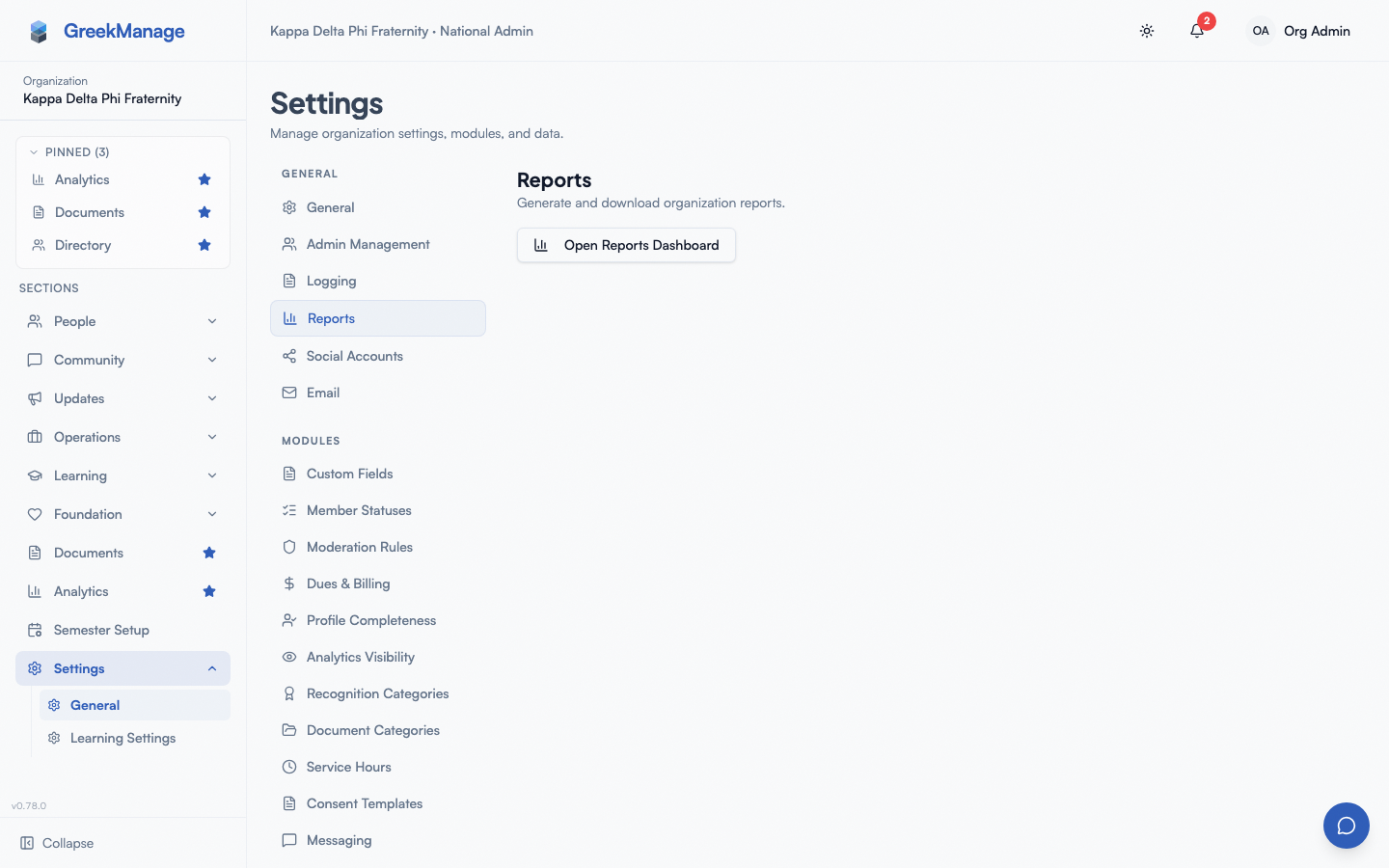
GreekManage exposes a few specific reports and export surfaces per module, plus an org-wide audit log on the Logging settings tab. This page is the index.
Per-module reports
| Module | Where | What you can see |
|---|---|---|
| Members | Org → Members | Directory listings, search, saved views, custom-field summaries; CSV/XLSX export |
| Billing | Org → Billing / Org → Settings → Dues & Billing | Per-chapter invoices, rate history, payment records |
| Compliance | Org → Compliance | On-time rates, per-chapter status, per-requirement performance |
| Elections | Org → Elections → results | Vote totals per position, winners; XLSX export |
| Foundation | Org → Foundation → Reports | Campaign performance, donations, donor giving (covered in Foundation) |
| Learning | Org → Learning | Course completion / enrollment dashboards |
| Retention | Org → Analytics → Retention tab | RetentionSnapshots, alerts |
| Analytics | Org → Analytics / Region → Analytics | KPI overview, Chapter Health Heatmap, cohort retention, chapter comparisons, CSV/XLSX export — see Analytics dashboard |
| Surveys | Org → Operations → Surveys | Survey list, deploy status, and aggregated results |
Not every module ships a dedicated “Reports” tab in the UI — much of the reporting is surfaced inline on the module’s main page.
Data export
For full per-org data exports (members, custom data, content), open Org → Settings → Data Management. This surface requires the Data Export module to be enabled. Exports run in the background and arrive as JSON snapshots; see Module: Data Export.
Audit log
Audit logging captures sign-ins, profile changes, role and status changes, approvals, moderation actions, refunds, admin invitations and deactivations, module enablement changes, and other settings updates.
View the audit log
Org → Settings → Logging.
The Logging tab shows recent events and provides filters by event type, user, date range, and entity. Expandable rows show change detail captured at the time of the event.
 The org audit log.
Retention
Audit log retention is configured per-org by platform admins:
- Default retention: 180 days.
- Range: 1 to 180 days.
- The retention configuration is on
OrgAuditRetentionConfigand adjusted by platform admins via the platform organization-detail page.
Entries older than the retention window are pruned automatically. There is no per-action retention tiering (e.g., “financial actions kept 7 years”), and no “permanent” retention tier today.
When to use what
| You need… | Where to go |
|---|---|
| Member directory snapshot | Org → Members → Export |
| Election totals for a board report | Org → Elections → results → Export XLSX |
| Donations for the IRS | Org → Foundation → Reports |
| Defend a moderation decision | Org → Settings → Logging, filter by user + date |
| Migrate to another platform | Org → Settings → Data Management (Data Export module) |
| Investigate an account compromise | Org → Settings → Logging, filter by user + sign-in events |
Tips
- Filter before exporting the audit log. A wide-window export can be very large.
- Run a monthly snapshot. Even if no one reads it, having timestamped exports simplifies any later forensic work.
- Coordinate with platform admins on retention. If your compliance program demands longer than 180 days, work with the platform team on archival outside the live DB.
Related
Last verified against v0.65.23 (2026-07-05). Retain merged into Analytics (Retention tab), Surveys split into a standalone nav item, v0.65.0.