Backups & data export
Backups protect against accidental deletes, corrupt migrations, full database loss, and the various flavors of operational mistake that hit every multi-tenant platform eventually. Per-org exports cover migrations, customer offboarding, and audit-driven data requests. Both run on a schedule the platform admin owns end to end.
What gets backed up
Two distinct jobs run from one configuration page:
- Full database backup — a
pg_dumpof the primary PostgreSQL database, uploaded to the platform's configured S3-compatible backup bucket. Covers every tenant in a single artifact. - Per-org export — a serialized, gzipped JSON dump of all org-scoped tables for a single tenant. Uploaded to that tenant's own storage bucket (or the platform-default storage if the org hasn't configured custom storage). Encrypted secrets (AI keys, payment processor credentials, identity-provider client secrets) are redacted or omitted from the JSON.
There is no continuous backup, write-ahead-log archiving, or point-in-time recovery built into GreekManage itself. If your tenants need PITR, run PostgreSQL with WAL archiving or use a managed database service (RDS, Cloud SQL, Aurora) outside the application.
Configure schedules, retention, and the storage destination in Platform → Settings → Storage & Backups.
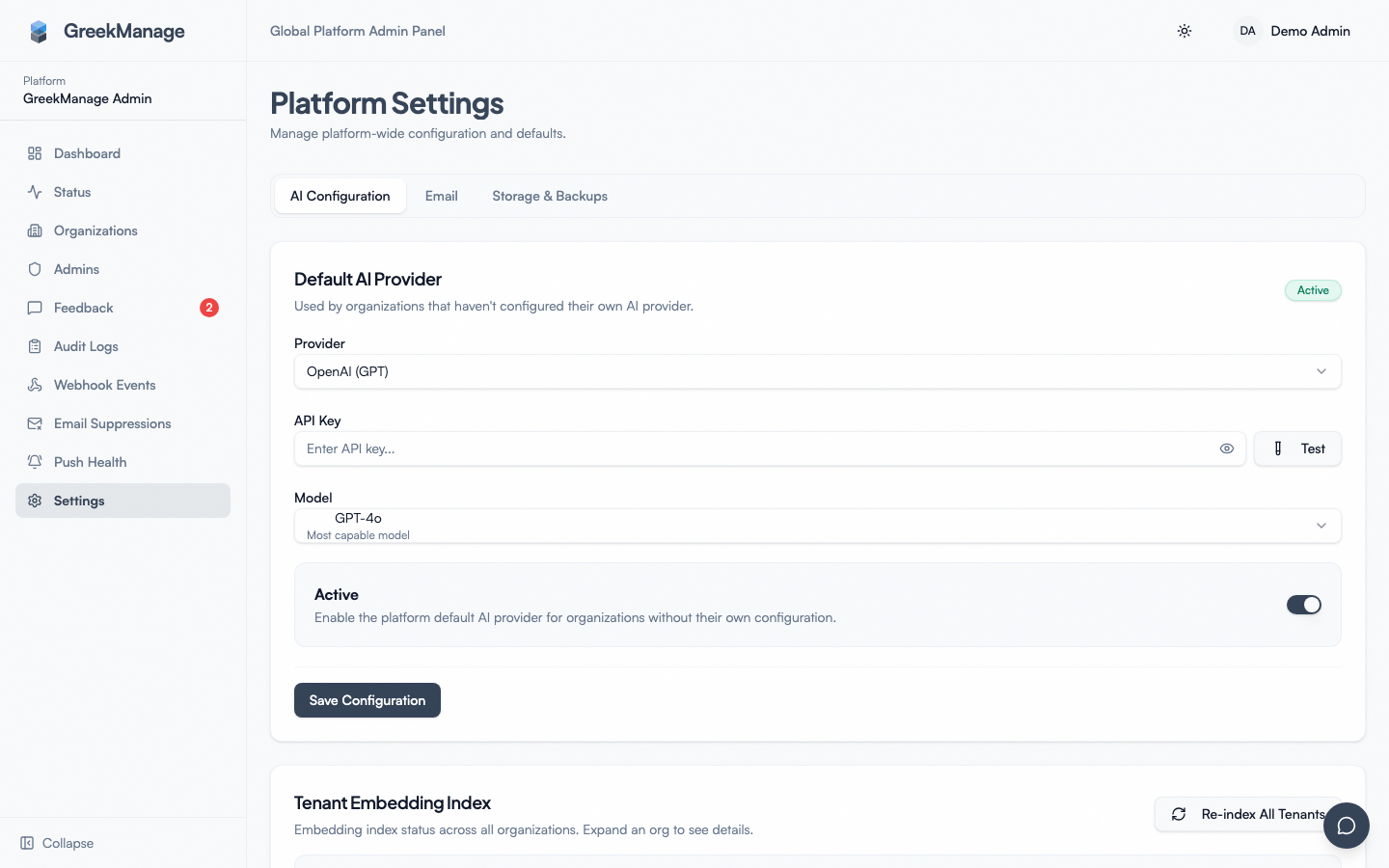 Platform → Settings → Storage & Backups full page
Backup storage bucket
The full-database pg_dump artifacts go to one bucket, configured separately from any tenant's storage. Fields you supply:
- Provider — MinIO, AWS S3, or any S3-compatible provider (Backblaze B2, Wasabi, DigitalOcean Spaces, etc.)
- Endpoint URL — required for MinIO and S3-compatible; leave blank for AWS S3
- Bucket name — must exist before you save; the platform does not auto-create
- Access key ID and Secret access key — IAM credentials with read/write/delete on the bucket; the secret is encrypted at rest
- Region — defaults to
us-east-1 - Use SSL — keep on unless you have a very good reason
- Path prefix — optional; useful if you share a bucket across environments
After saving credentials, click Test connection. The probe uploads and deletes a small file to verify read, write, and delete permissions. The config is marked verified only after the probe succeeds. Until then, scheduled jobs will refuse to run.
Schedule presets
Each job picks one of five presets:
- Daily at 2 AM (default)
- Daily at 3 AM
- Every 12 hours
- Weekly Sunday at 2 AM
- Disabled — never run on a schedule
Pick a preset per job in the Backup Schedule card, then toggle the master Schedule enabled flag. The full-database job and the per-org export job each have their own preset, so you can keep daily DB snapshots while running per-org exports weekly (or vice versa).
The system records the last successful run time for each job — useful for spotting silent failures during a long weekend.
Retention tiers
Retention is counted, not calendar-day-based. Three integers control how many recent records survive:
- Daily count (default 7) — most recent daily-tagged backups to keep
- Weekly count (default 4) — Sunday backups to keep
- Monthly count (default 3) — first-of-month backups to keep
A scheduled retention task runs after each new backup, tags every completed record with a tier (daily, weekly, or monthly), and trims anything older than the configured counts. There is no calendar-day TTL setting — if you want "keep everything 90 days," translate it into counts (daily_count=90, weekly_count=12, monthly_count=3).
Backup history
The Backup History card lists every run (full and per-org), newest first, with:
- Backup type (full DB or org export)
- Organization (for per-org exports)
- Status (
pending,running,completed,failed) - Started and completed timestamps
- File size and checksum
- Retention tier (assigned after the run)
- Triggered by (user, or "scheduled")
- Error message (if failed)
Click a completed record to download the artifact. Downloads use 15-minute presigned URLs generated against the configured backup bucket — don't share the URL, and don't expect it to work after the timer expires.
Manual full backup
Sometimes you need a one-off snapshot — before a major schema migration, ahead of a destructive cleanup, or because a customer just asked for a fresh checkpoint:
- Open Platform → Settings → Storage & Backups.
- Click Trigger full backup.
- Watch progress in Backup History; the row moves from
pendingtorunningtocompleted.
Manual backups don't replace scheduled ones — they're additive. They get tagged with a retention tier just like scheduled runs and respect the same retention counts.
Per-org exports
Per-org exports are the standard "offboard a customer" or "send the data team a snapshot" mechanism. Two ways to kick one off:
- The org's own national admin runs it from Org → Settings → Data Management (covered in Data export (org-wide)).
- A platform admin triggers it on the org's behalf from the org detail page or via the per-org backup row in Backup History.
Behind the scenes, a Celery task runs under the org's row-level-security context, collects every row of every org-scoped model, writes a single gzipped JSON file, and uploads it to the org's own storage bucket. Encrypted secrets are omitted; media files (chapter logos, photo albums, attachments) are not bundled — copy those directly from the org's bucket if they need to travel with the export.
The download link is a 15-minute presigned URL against the org's bucket, regenerated each time you click Download.
Restoring a per-org export
Per-org exports are no longer download-only. Next to Restore in the Export History card, a national admin (an org's own organization admin — not a platform admin acting on their behalf) can restore one of their org's own completed exports back into the org's data:
- The admin clicks Restore on a completed export, which immediately runs a dry-run preview — a per-model table of rows incoming, rows that already exist, and rows that would be overwritten. No data is written at this step.
- Confirming runs the apply step: rows are upserted by primary key (matching IDs are overwritten with the exported values, new IDs are inserted) inside one all-or-nothing transaction, so a failure partway through leaves the org's data unchanged.
- Before either step, the export document's checksum and recorded organization are verified, so a corrupted file or another tenant's export is rejected before anything runs. Only completed, org-wide exports (not chapter-scoped) can be restored.
This endpoint is gated behind an active OrganizationAdmin record for the requesting user, so it's self-service for the org's own national admin — there's no platform-admin-initiated "restore this org's export for them" action or history view; the platform side of this feature is knowing it exists so you can point a customer at it instead of reaching for a manual pg_restore.
Restoring a full database backup
There is still no in-product Restore button for the full-database pg_dump artifact — that scope was deliberately kept out (an in-product full-DB restore would need a CREATEDB-capable role and carries whole-database blast radius). A pg_dump artifact is meant to be restored out of band, against your database directly:
- Find the record in Backup History, click Download, save the artifact locally.
- Coordinate a maintenance window with whoever owns the production database (typically your platform operator).
- Run
pg_restore(orpsqlfor plain-text dumps) against a target database — usually a fresh staging instance for verification first, then production once the restore is verified. - Spot-check at least one tenant's data, RLS policies, and a sign-in flow before reopening to traffic.
The restore procedure lives outside GreekManage — keep it in your runbook so it's readable when the platform is down.
What's NOT in the box
Documenting the gaps so you don't go looking for switches that aren't there:
- No continuous WAL backups or point-in-time recovery
- No cross-region replicas
- No in-product restore wizard for the full-database
pg_dumpartifact (per-org exports do have one — see Restoring a per-org export above) - No automated test-restore exercises
- No storage-anomaly alarms (size deltas, missed runs, etc.)
- No all-tenant export wizard — to pull data across every tenant, either use the full
pg_dumpartifact or run the per-org export for each tenant
If you need any of these, layer them in at the database and infrastructure level outside the application.
Encryption
- Backups at rest — encrypted via your storage provider's server-side encryption. Configure SSE on the bucket; the application does not roll its own envelope encryption.
- Backups in transit — TLS to S3/MinIO (keep Use SSL on)
- Backup config secrets — the secret access key for the backup bucket is encrypted at rest with the platform's Fernet key
Tips
- Verify the storage config before relying on scheduled jobs. The connection test is fast; an unverified config will silently refuse to run scheduled backups.
- Watch Backup History for failed runs. Don't let failures pile up unnoticed — a single failed Sunday weekly is the easiest one to miss.
- Don't share the 15-minute download URL. It bypasses authentication; treat it like a one-time secret.
- Re-test the restore procedure when the database upgrades. Major Postgres version bumps (16 → 17, 17 → 18) change the
pg_restoreinvocation slightly; the muscle memory from last year may not be current.
Related
- Audit logs — backup runs land in the audit log
- Email config — failed-backup notifications use the platform email sender
- GDPR data export runbook — member-initiated export flow
- Reports & exports (org admin)
Last verified against v0.65.25 (2026-07-05). Added the per-org export restore feature (preview → confirm → apply, self-service by the org's own national admin) shipped v0.65.15; the page previously said there was no in-product restore button at all. Full-database pg_dump restore remains manual/out-of-band by design.